49
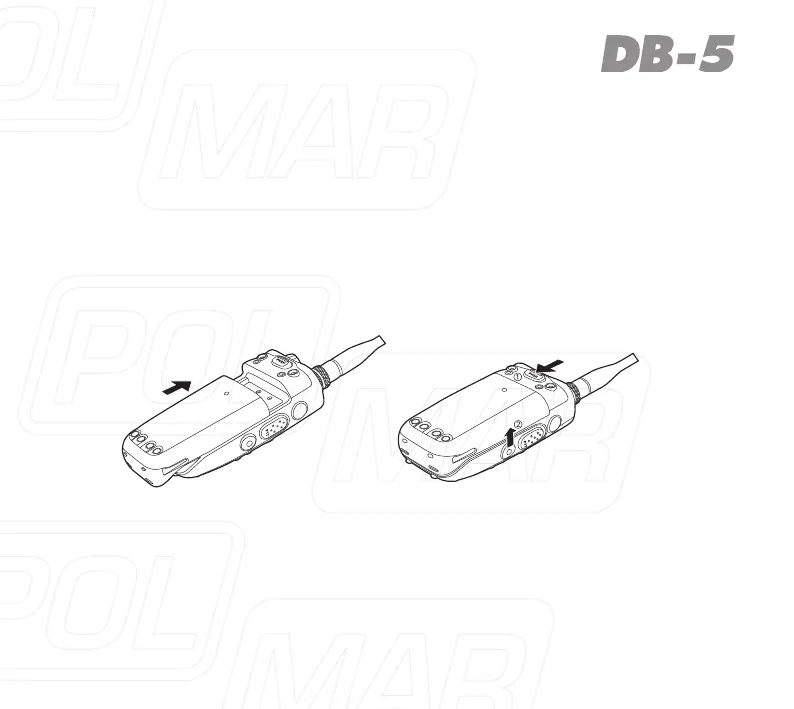
Fig. 1 Fig. 2
INSTALLATION OF ACCESSORIES
Installation of Battery Pack
1. Fitthesuppliedbatterypackintothebatterpacktrough,thenslideittoward
the head to insert it completely in direction of arrowhead pic. 1.
2. Pushthebatterypacklocktoreleasethebatterypackandslideittowardthe
bottom to remove it out in direction of arrowhead pic. 2.



 To Next Page