79
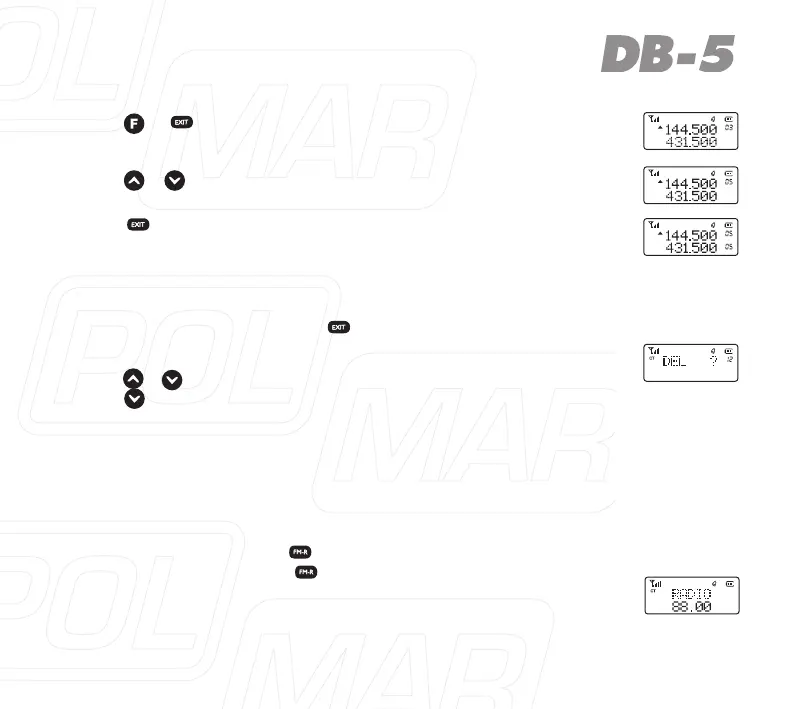
6. Press + , the digit are displayed at the right top of LCD.
7. Press / tochooseorinput05directly
.
8. Press , for storage, LCD displays MR mode and currently
stored channel.
Channel delete
1. UnderMRorCHmode,press , to turn on the radio, LCD dis-
plays“DEL?”andchannelnumberblinksattherighttopofLCD.
2. Press / or input channel number you want to delete, then
press toconrm.
3. Afterdelete,itwillskipintonextchannel,ifyouwanttodelete
it, repeat above operation.
FMW Radio Function
1On/offradioreceiver.
Under standby mode, press , to open FMW radio function, LCD
display“88.00M”,thenpress , again, radios receiver is off.
Note: under FMW radio mode, if receiving the signal, the radio will
beoutofFMWmode,after5S,itwillbebacktoFMWmodewhen
the signals disappear.



 To Next Page