52
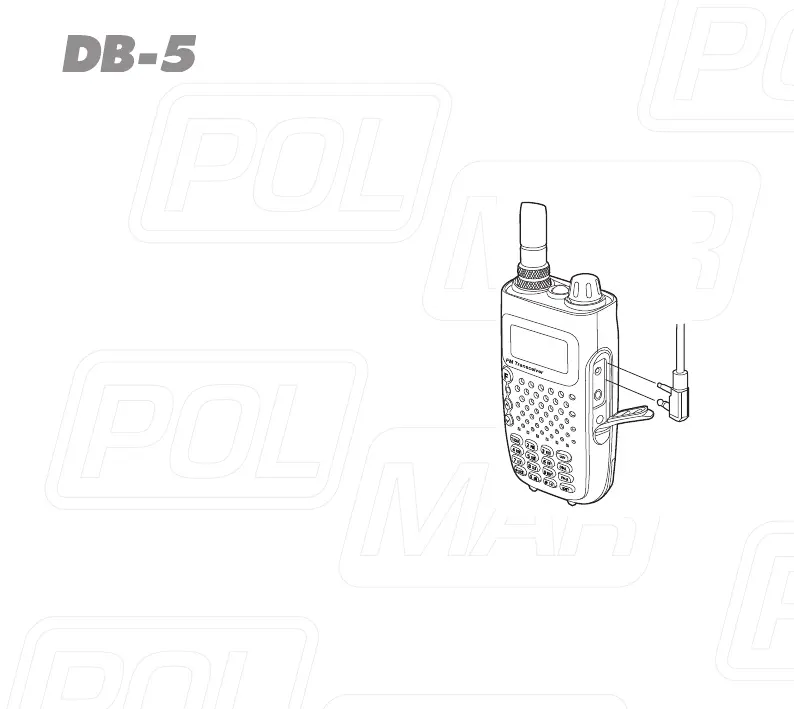
Fig.7
Installing External Micro/Speaker
Open the coverof themic /speaker jack and insert the microphone/speaker
plugsintothejack,pic.7.
Note
Usingtheexternalheadsetormic/spea-
kerwillaffectthewater-tightnessperfor-
mance of radio.
If the external headset is not workable,
please use the headset case.



 To Next Page