55
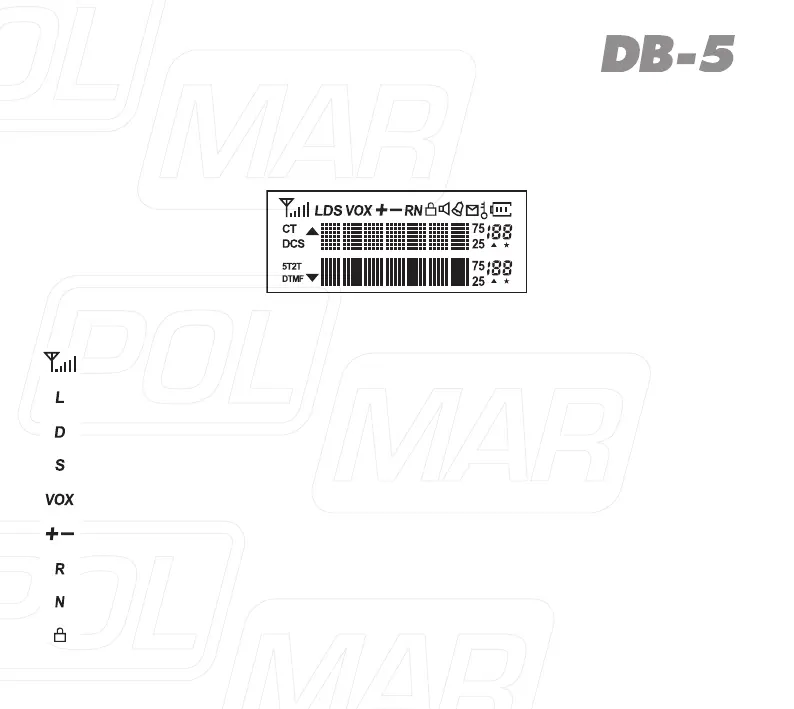
LCD DISPLAY
Youwillsee variousiconsshownonthe screenwhenpower on.Thefollowing
table can help you identify icons meaning’s, as displayed on LCD.
Icons Description of functions
Operating band signal & power meter
LowTXpoweractive
Dualwatch/standbyactive
RX power save active
VOX active
Repeater shift direction and ARS active
Reverses the transmit and receive frequency active
Narrow band mode active
Keypadlockactive



 To Next Page