80
2 Mode selection
Under FMW radio mode, press to switch between FMW memory mode and
FMW frequency mode (this function is unavailable when there is not FMW mem-
ory channel).
3 Frequency selecting
UnderFMW frequencymode,inputthe digits directlybykeypadorpress /
to choose the desired frequency. Under FMW memory mode, press / to
choose the desired channel.
4 FMW radio search
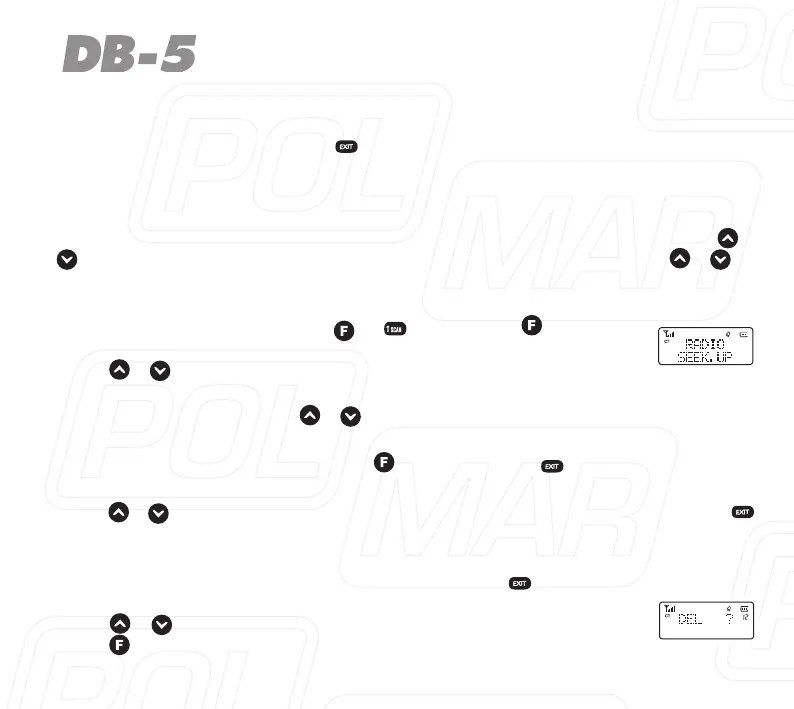
Under FMW radio mode, press + , then press again to
enterFMWradioscanning,youwillsee“RADIO*”,inthescreen,
press / to change scanning direction.
Radio will stop scanning when frequency is available and then
exits.Pressanykeyexcept / .
5 FMW radio storage
Under FMW frequency mode, press and then press , the channel number
for storage is displayed at the right of the screen.
Press / ,orusenumberkeytoselectthedesiredchannelnumber,press
toconrmandthenbacktothereceivingmode.
6 FMW radio channel delete
Under FMW memory mode, turn off the radio, press , to turn on the radio, you
will see “DEL ?” in the screen and the channel number blinks,
press / to choose the channel number you want to delete,
press toconrm.



 To Next Page