ZONEMASTER ZONETOUCH V2 ZONE CONTROL SYSTEM - Installation Manual
8
6.9 Ifbothtransformers(mainmoduleandextension
module)sharethesamepowerswitch,switchthe
power on. (IMPORTANT NOTE) If NOT, switch on
thepowertoextensionmodulerst.Thenturn
on the power to main module.Otherwise,the
extensionmodulewillNOTbeinitializedproperly.
CircularRedLEDonthemainmodule(and
extensionmodule)shouldbeonandthesystemwill
startinitializing&nishinabout30secondsafter
power on.
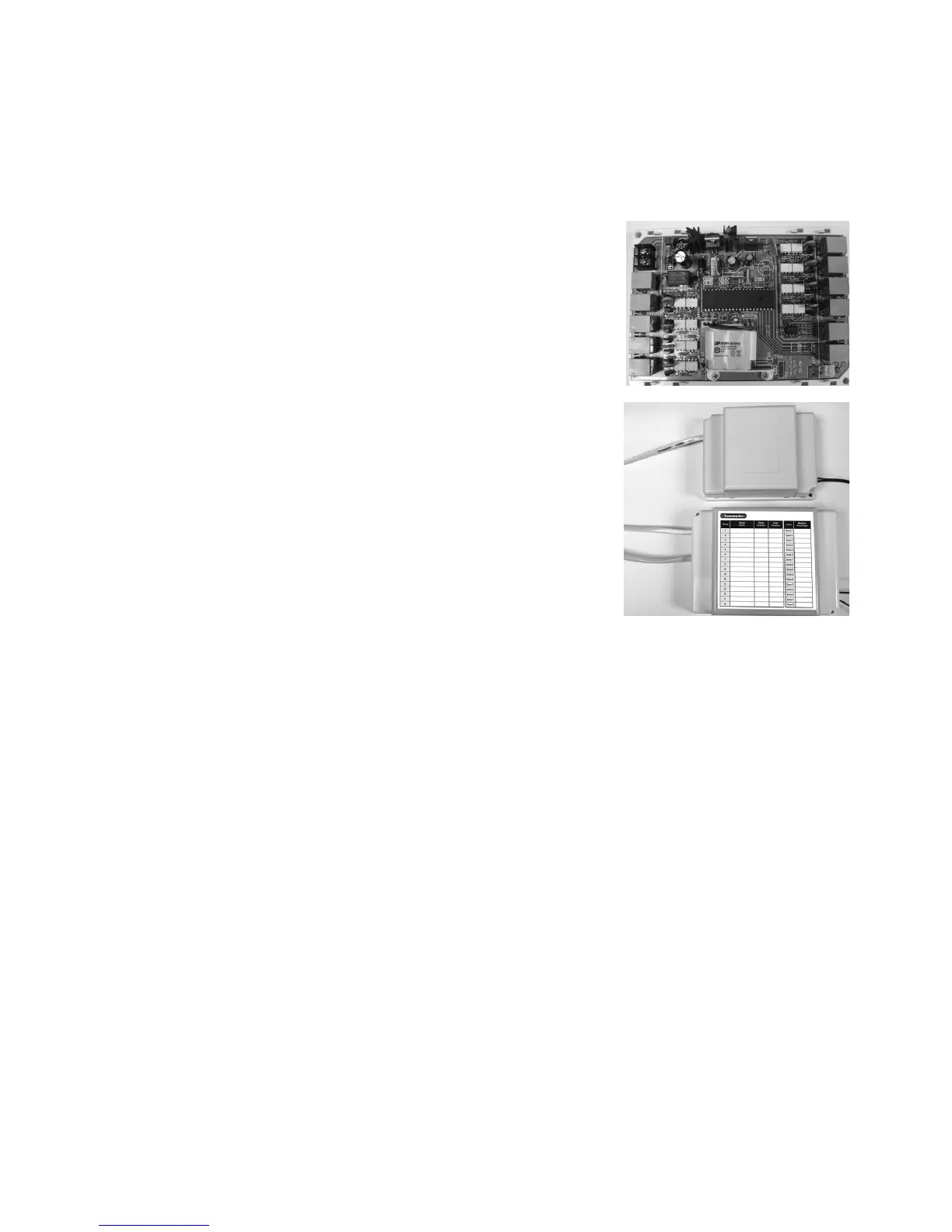
6.10 Install the battery as shown in the picture on the
main control module. It is recommended to install
the battery after power is on. Otherwise the system
maynotbeinitializedproperlyduetothelow
voltageofthenewbattery.
6.11 Replacethesidecoversbackonthemaincontrol
andextensionmoduleoncenishedsettingand
commissioning.
6.12 Recordthegroupedzonesandbalancingdetails
onthestickerotheMainControlModuleafter
commissioning the system.
6.13 FittheTouchScreen to wall
Theplasticcasingofthetouchscreenconsistsoftwohalves.Thefrontcover
containsthePCBboardalongwiththeLCD/touchscreen.Thebackcover
attachestothewallasamountingbase.Duringtheinstallationprocessthecase
willhavetobeopenedtomountthetouchscreenonthewall.Followthesteps
belowtocarefullyinstallthetouchscreentothewall:
a) Slidetheback
basetobottomsidetoclearthestopsonthefrontcover
b) Removethebasefromthefrontcover
c) Position thebackbaseonthewallwherethecableis(about1.5mhighfrom
theoor).Ensureitisawayfromanyheatorcoolsourceandmarkthecable
hole and screw holes.
NOTE: The correct back cover direction is marked on its surface; follow that
markwhenxingthebackcover.



 To Next Page