ZONEMASTER ZONETOUCH V2 ZONE CONTROL SYSTEM - Installation Manual
6
5) Pre-Installation
Goodplanningleadstoasuccessfulzonesysteminstallation.Beforephysically
installingandcommissioningazoningsystem,pleasecompletethefollowinglistedtasks:
5.1Decidehowmanyzones(dampers)aretobecontrolledinthesystem.
5.2 Assign lowerorderzones(1,2,3…)todampersclosesttothereturnairgrille.
Thesezoneswillautomaticallyopenwhenspillingisrequired.Howeveravoidusing
lowerorderzonesforbedroomsasthismaycausediscomfortifautospilling
occurs during sleep time.
5.3 Groupzonesaccordingtocustomer’srequirements.Eachgroupinitiallyhasone
zonebutcanhaveuptoamaximumoffourzones(Example:Therecouldbeone
ormorezonesgoingintoacommonareasuchasKitchen/DiningorFamily/Dining
room).Workoutthetotalgroupnumber(Maximumtotalgroupnumberinasystem
is 16).
5.4 Recordtheabovementionedinformationtotable1and2onpage11intheUser
manualandtothetableonthestickeroftheMainControlModule.
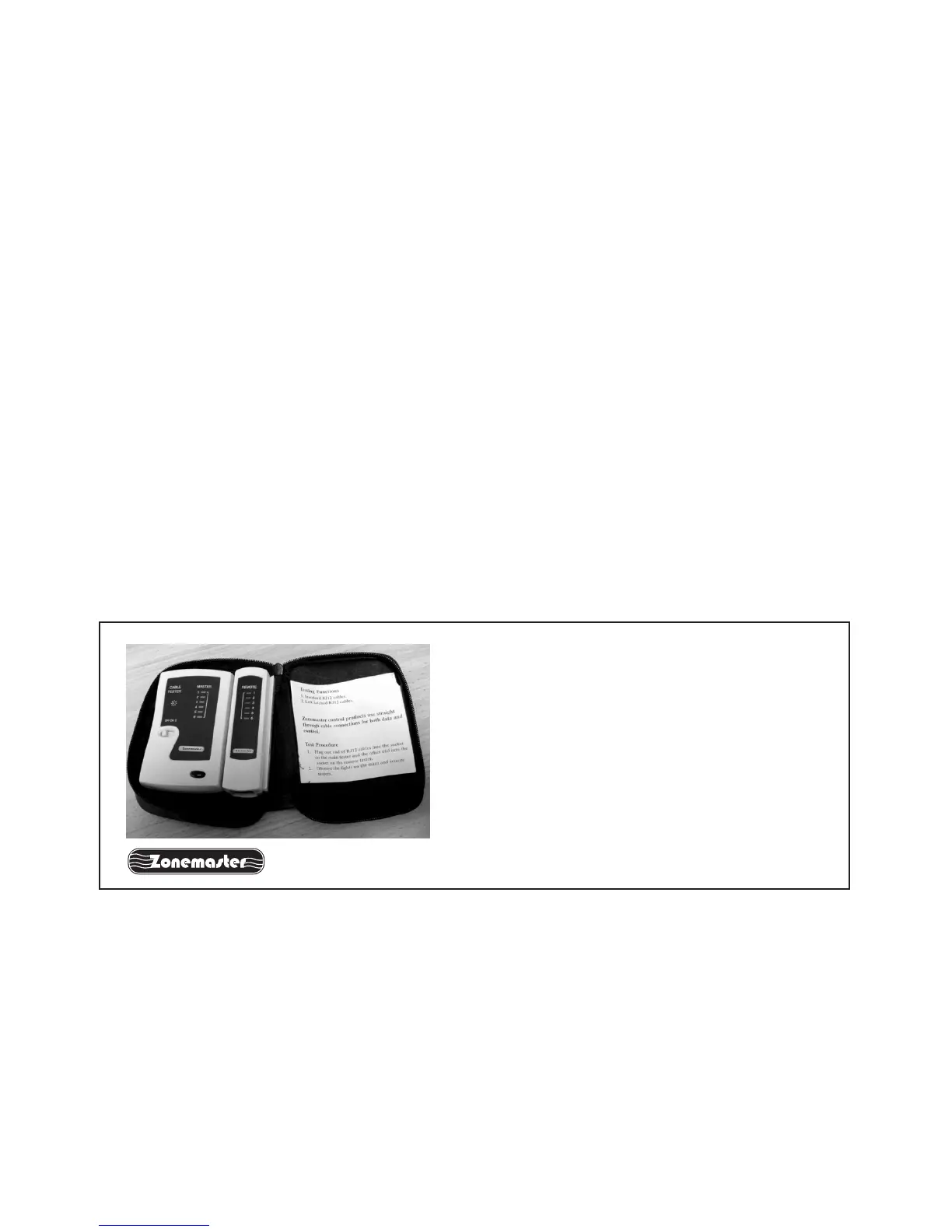
NOTE: It is important to test all cables
before installation. Testing all cables to
be used before the start of the installation
will save considerable diagnostic time if
the fully installed system is subsequently
found to have a problem. Cable testing is
quick and easy with a Zonemaster Cable
tester available from Polyaire
Cable Tester
(ItemNumber:657089)
Note: When installing two touch screens, use a long cable (as long as
practical) between the main module and the double left latched adaptor,
two short cables between the adaptor and two touch screens and try to
maintain the two short cables at the same length.



 To Next Page