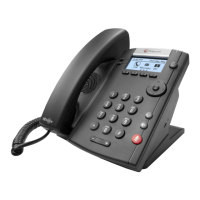
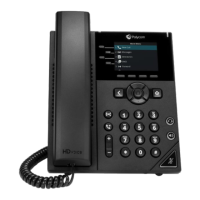
User Guide for the Polycom VVX 1500 Phone
2 - 66
3. Tap the Auto Reject field, and then tap the field’s highlighted grey box.
From the drop-down list, tap Enabled.
4. Tap the Save soft key.
5. Tap to return to the idle screen.
Diverting Calls
You can customize your phone so that incoming calls from a particular party
are transferred directly to a third party.
To divert incoming calls from a contact to a third party:
1. Tap > Features > Contact Directory.
The Directory screen displays.



 To Next Page