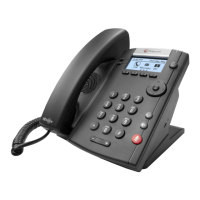
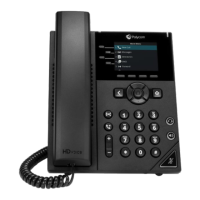
User Guide for the Polycom VVX 1500 Phone
4 - 28
Browsing Recorded Calls
To browse the recorded files:
1. Do one of the following:
— Tap > Browse Recordings.
or
— Tap > Features > Removable Storage Media >
Browse Recordings.
The Browse Recordings screen displays.
2. Tap the recording you want to rename, delete, or play back.
You can rename, delete, or play back the selected .wav file by tapping the
Rename, Delete, or Open soft keys.
3. Tap to return to the idle screen.



 To Next Page