User Guide for the Polycom VVX 1500 Phone
4 - 36
Restarting Your Phone
Periodically, you may need to restart your phone so the phone can accept a
new configuration.
To restart the phone:
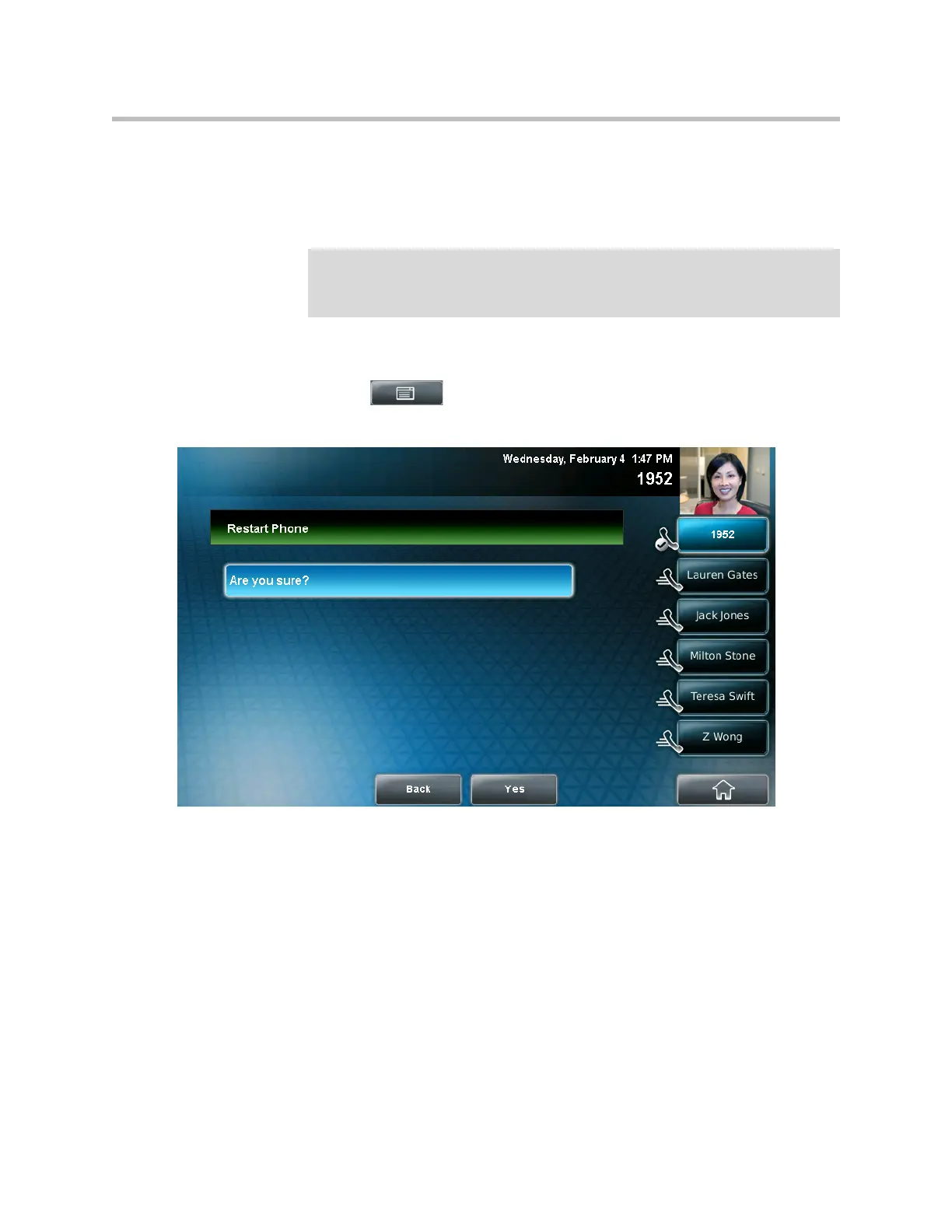
1. Tap > Settings > Basic > Restart Phone.
The Restart Phone screen displays. The message “Are you sure?” displays.
2. If you still want to restart the phone, tap the Yes soft key.
The restart process begins. The process ends when the idle screen displays.
Note
If your phone malfunctions, you may be able to restore normal operation without
restarting it. Before you restart your phone, contact your system administrator.
Call lists are automatically cleared when you restart the phone.



 To Next Page