17
When you receive an incoming call on your phone, you can choose to answer the call in various ways. This
section includes the following topics on answering calls:
●
Answer Incoming Calls
●
Answer Calls from the Calls Screen
●
Answer a Call When in a Call
●
Answering Calls on Shared Lines
●
Answer Calls Automatically
●
Answer Intercom Calls
●
Answer Calls from VVX Expansion Modules
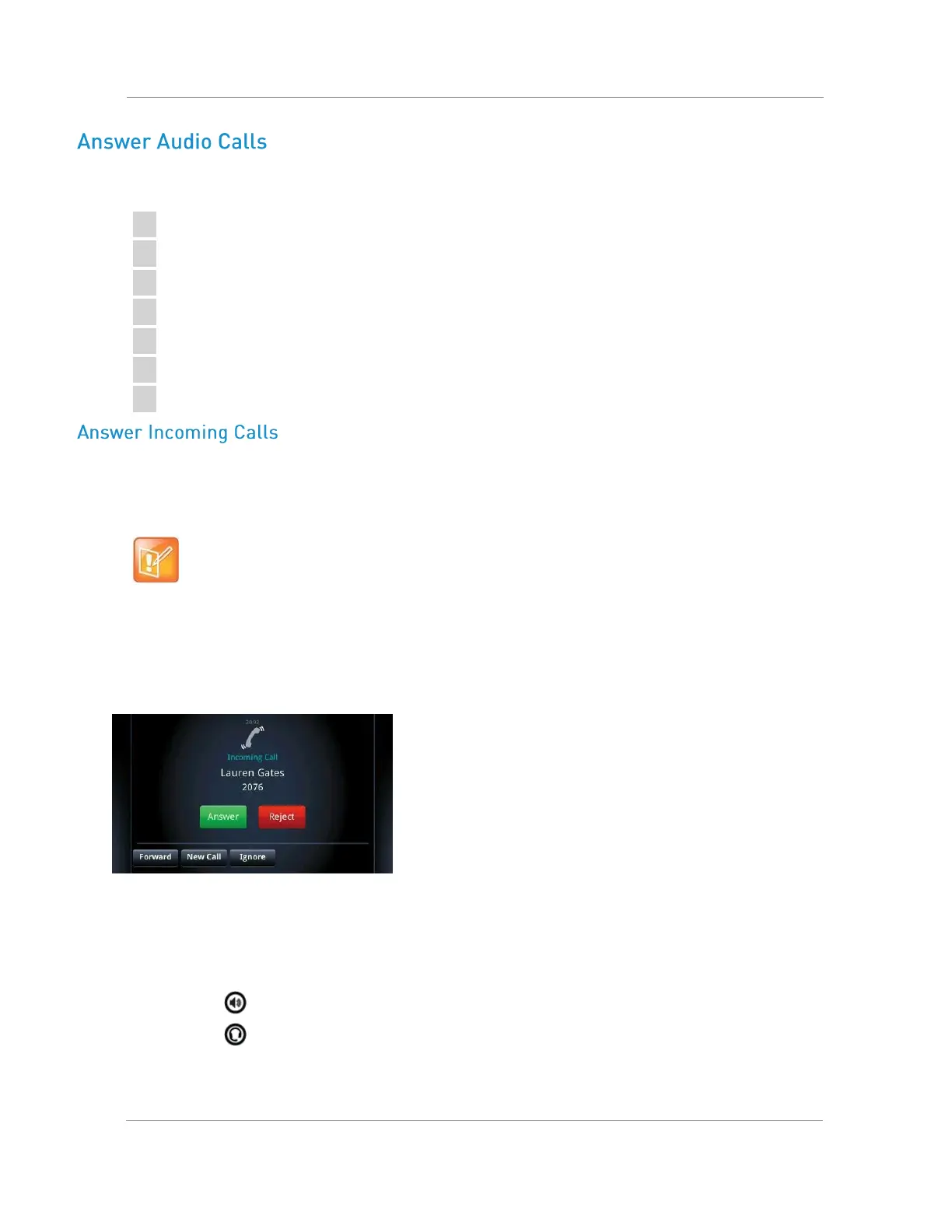
When you receive an incoming call, your phone rings and an Incoming Call screen is displayed, as shown
next. In the Incoming Call screen, you can choose to answer or reject the incoming call.
Note: Setting up a visual incoming call alert
Your system administrator can enable the screen to flash bright orange when you have an incoming
call. The screen continues to flash until the incoming call is displayed in the Home or Calls screen. For
more information about this feature, see your system administrator.
Incoming Call window
To answer an incoming call:
» Do one of the following:
Pick up the handset.
Press or select Answer.
Press
.
After you answer the incoming call, the call becomes active.

















 To Next Page