65
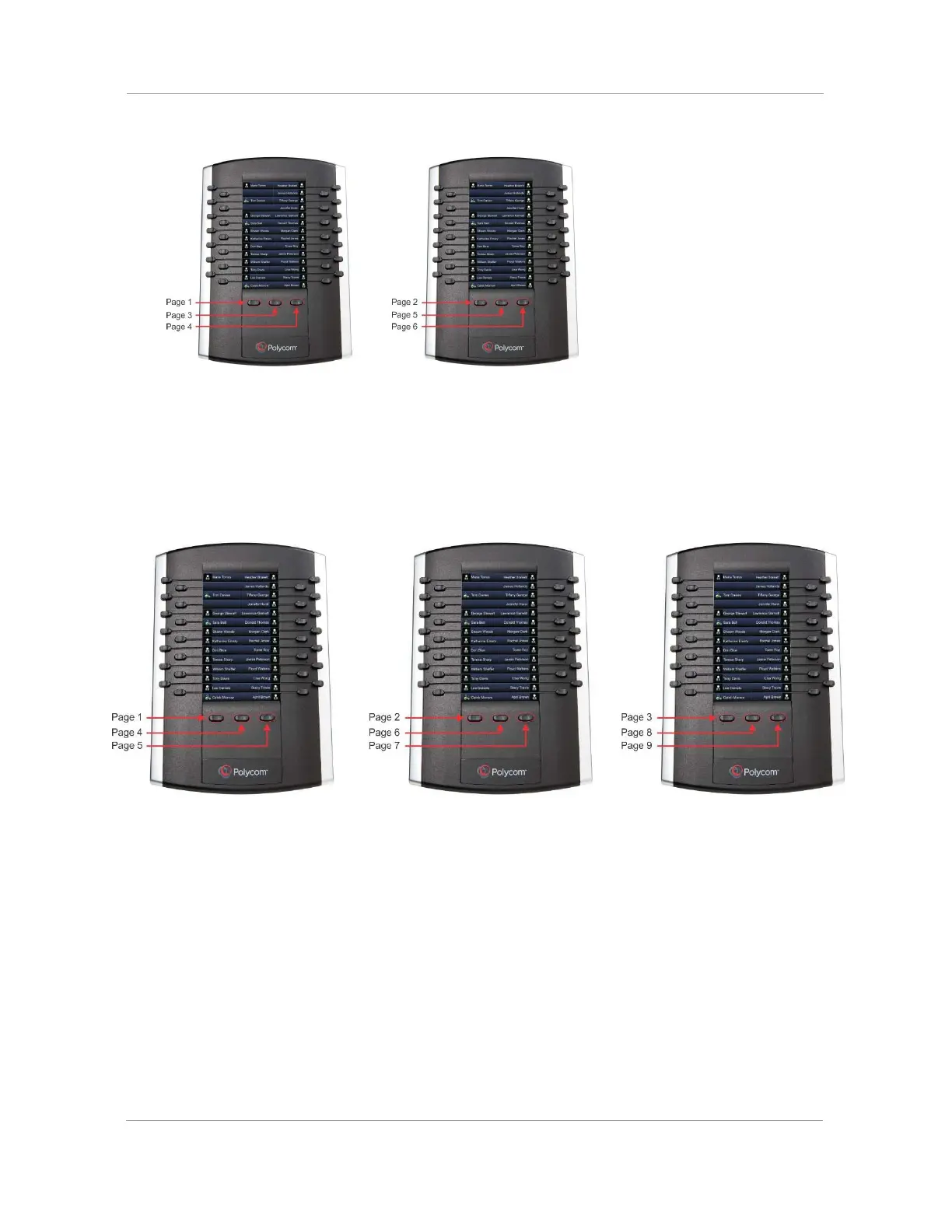
Pages 2, 5, and 6 display on the second expansion module.
●
If you have three expansion modules connected to your VVX phone, the pages are ordered
non-sequentially. As shown in the next figure, the pages display on the three expansion modules in the
following order:
Pages 1, 4, and 5 display on the first expansion module.
Pages 2, 6, and 7 display on the second expansion module.
Pages 3, 8, and 9 display on the third expansion module.

















 To Next Page