66
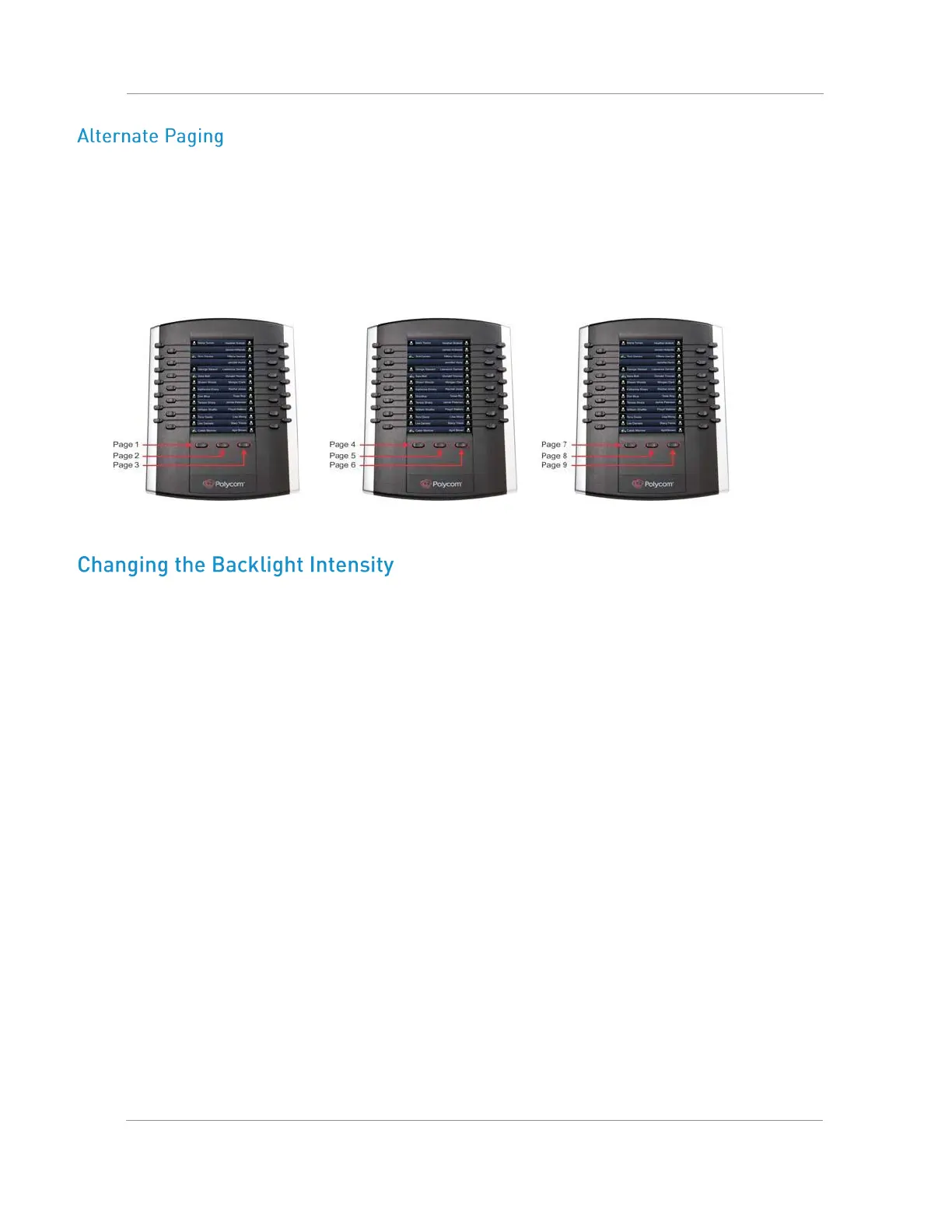
When Smart Paging is disabled, the ordering of the pages on the expansion modules is not affected by the
number of expansion modules connected to your VVX phone. With Alternate Paging, the expansion modules’
pages are ordered sequentially from 1 to 9. The next figure shows Alternate Paging on three expansion
modules.
Alternate Paging on VVX Color Expansion Modules
When you change the backlight intensity settings on your VVX phone, the backlight on your VVX Color
Expansion Module connected to your phone automatically changes to match the new settings. See the section
Setting the Backlight Intensity and Timeout for information on changing this setting.

















 To Next Page