G2000/G3000/G6000 Industrial User’s Manual Chapter 3: Operations and Settings
26
Panel Buttons
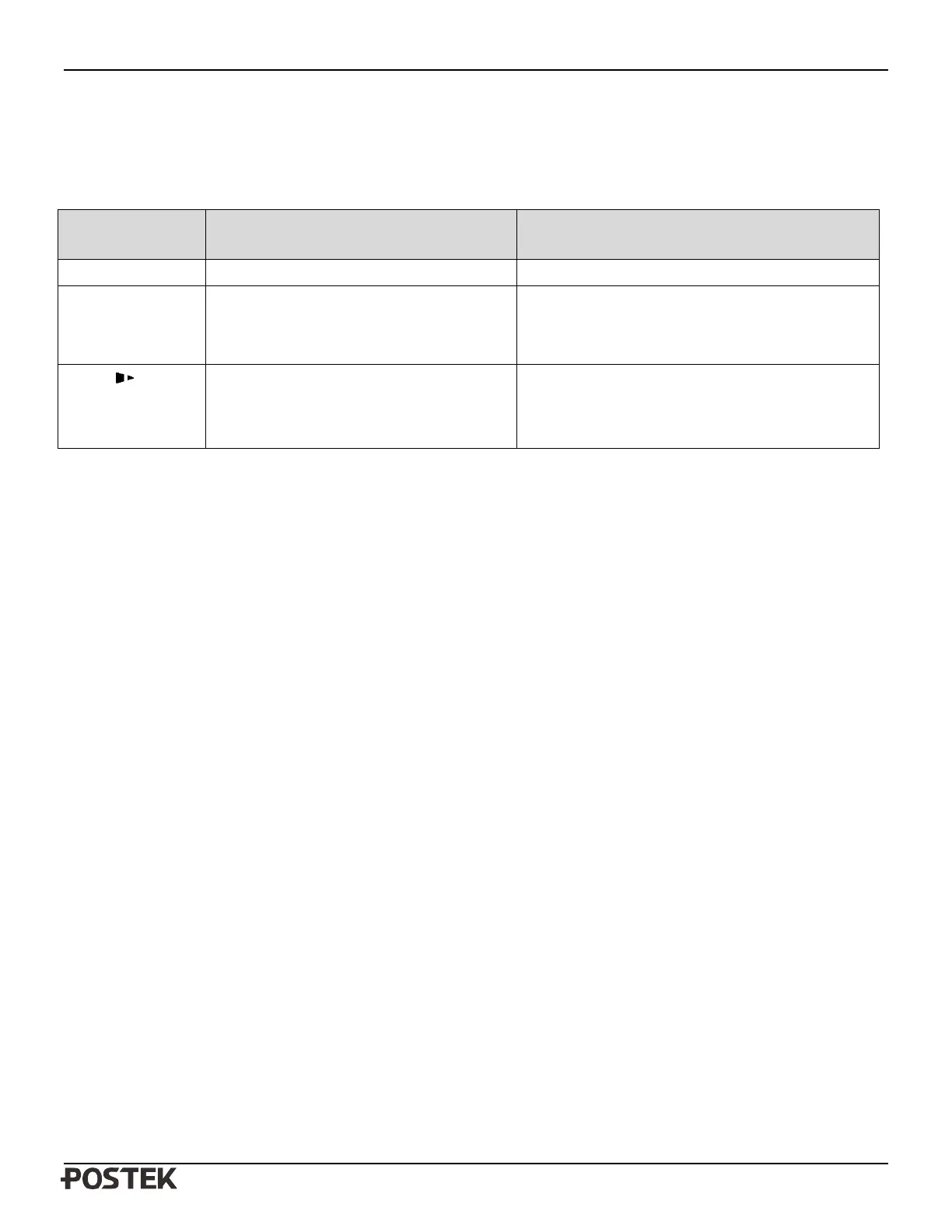
The three buttons have different functions based on the mode of the operation is performed.
Mode Basic Functions
Advanced Functions
(see Advanced Functions below)
Feed/Calibration Feed one label Media Sensor Calibration
Pause/Self Test - Press once to pause current print job
- Press a second time to resume printing
Self-test:
The Printer performs a self-test and prints out a
configuration report
Cancel/ Reset - Cancel current batch of labels
- Forces the printer to continue working after
an error has been corrected
Reset:
Resets the printer to Factory Default Settings
LCD Display
A 128 × 64 graphic dot matrix LCD display is affixed to the front panel. Data in the form of characters, letters and numbers
are shown on the LCD display. Please see below “LCD Panel Operations.”
Advanced Functions
Media Sensor Calibration
It is necessary to accomplish Media Sensor Calibration after a new roll of media has been loaded.
1. Press and hold the Feed/Calibration button for about 2 seconds.
2. The printer will feed approximately 200mm of media.
3. The three indicators stop blinking and remain lit; the printer is back to a normal state.
Self Test
1. Press and hold the Pause/Self Test button for about 2 seconds.
2. The printer will print out a configuration report and the 3 indicators will stop blinking and remain lit. The printer is back
to a
normal state.
The following information will be printed on the self-test report:
- Font list
- Hardware configuration and status
- DIP switch settings
- Label parameters
- Firmware version


 To Next Page