- 17 -
Indicators on the Display
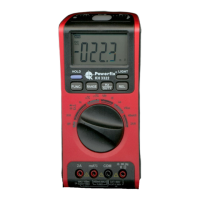
The measurement value in the display
z
is shown to a maximum of four
figures.
A point appears, depending on the measured value, to show the decimal
place.
Saving measured values
• During the course of measurement, press the button HOLD
t
to retain
the measured value in the display
z
so that it is available after the me-
asurement.
In the display
z
the symbol appears.
• To quit the HOLD indicator, press the button
HOLD
t
once again.
Showing a measurement difference
• During the course of measurement, press the button REL
5
.
In the display
z
the indicator REL appears.
• The last measured value is, as a reference value, reset to nil and in the
display
z
appears the current measured value as a difference to the
measured value.
• If the current measured value corresponds with the reference value, in
the display
z
0.0 is shown.
• To quit the REL indicator, press the button
REL
5
once again.
Switching on the display illumination
• Press the button LIGHT
4
to switch on the background illumination of
the display
z
for approx. 5 seconds.


 To Next Page