Additional UPS Features
38
Powerware
®
5125 Two-in-One (2400–3000 VA) User’s Guide : www.powerware.com
4. Reconnect the REPO connector to the REPO port.
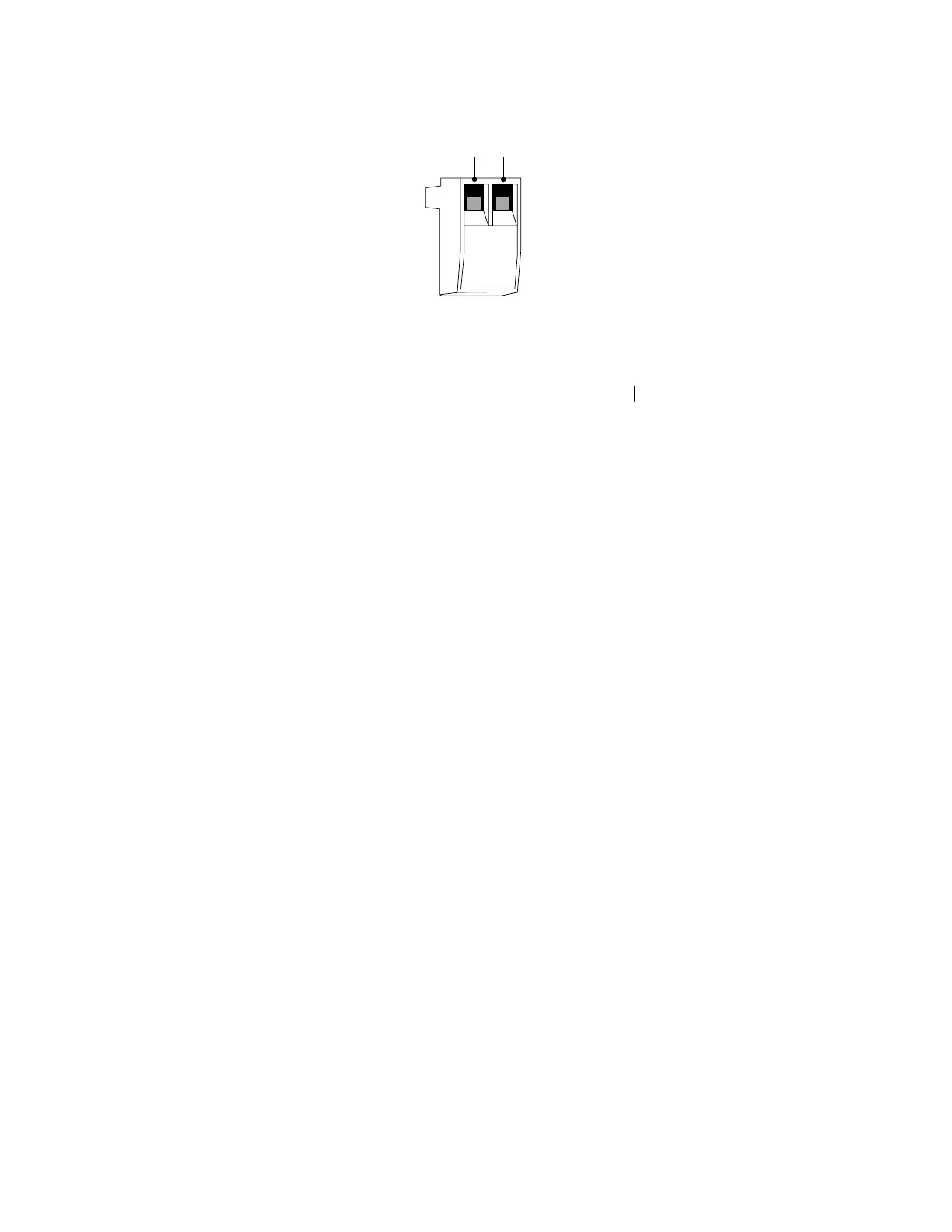
Pin 1 Pin 2
Figure 26. REPO Connector
5. Verify that the externally-connected REPO switch is not
activated to enable power to the UPS output receptacles.
6. Plug in the UPS and start the UPS by pressing the On
button.
7. Activate the external REPO switch to test the REPO function.
8. De-activate the external REPO switch and restart the UPS.



 To Next Page