UPS Maintenance
44
Powerware
®
5125 Two-in-One (2400–3000 VA) User’s Guide : www.powerware.com
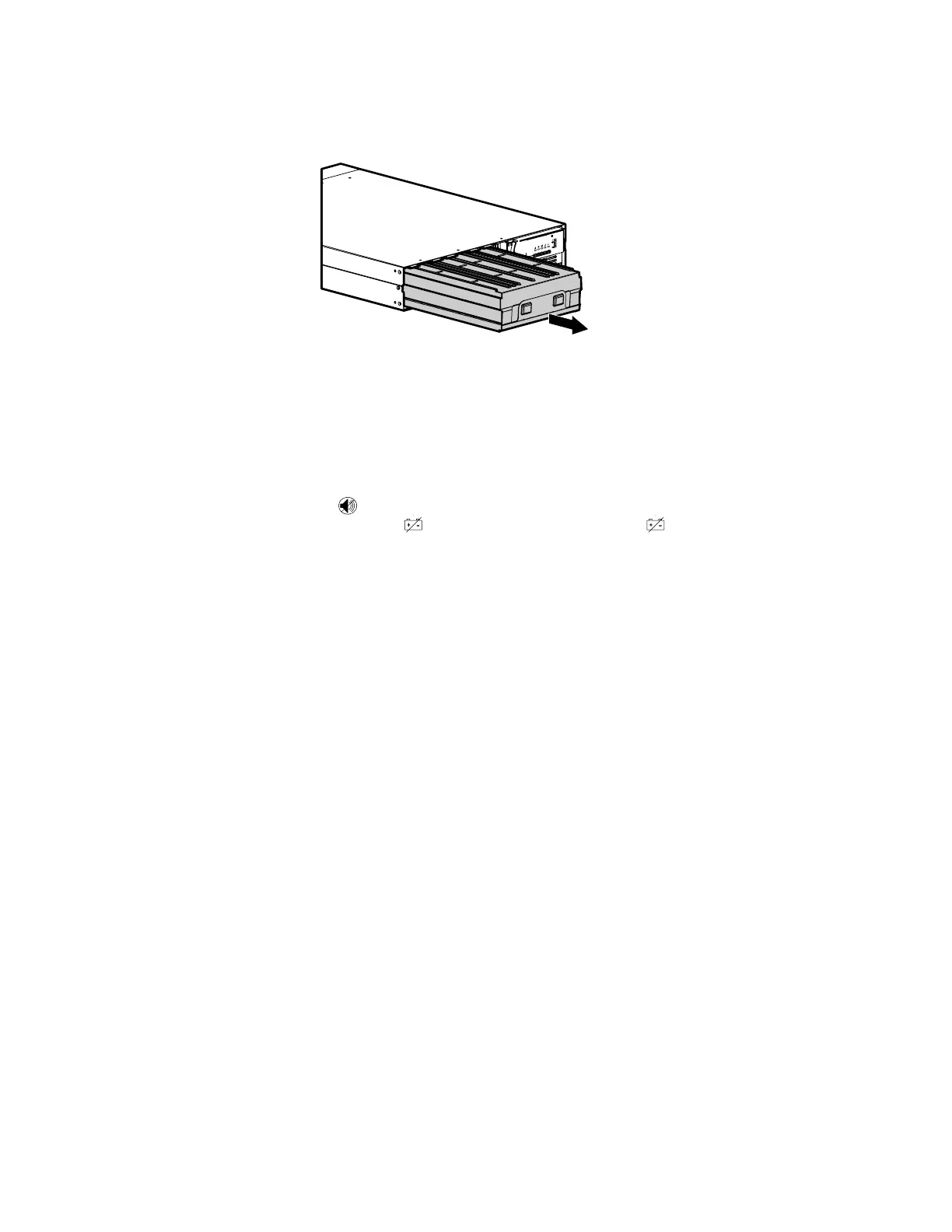
3. Pull the battery out onto a flat, stable surface. See “Recycling
the Used Battery” on page 45 for proper disposal.
4. Slide the new battery into the UPS.
5. Reinstall the battery retaining bracket and screws removed in
Step 2.
6. Replace the front panel.
Testing New Batteries
Press and hold the button for three seconds to initiate a self-test.
After the test is finished, the
indicator should turn off. If the
indicator stays on, check the battery connections. Call your service
representative if the problem persists.



 To Next Page