Installation
19
Powerware
®
5125 Two-in-One (2400–3000 VA) User’s Guide : www.powerware.com
NOTE The UPS and EBMs MUST be installed at the bottom of the rack. If placed in a
rack with existing equipment, the rack must be reconfigured to allow the UPS
installation at the bottom of the rack.
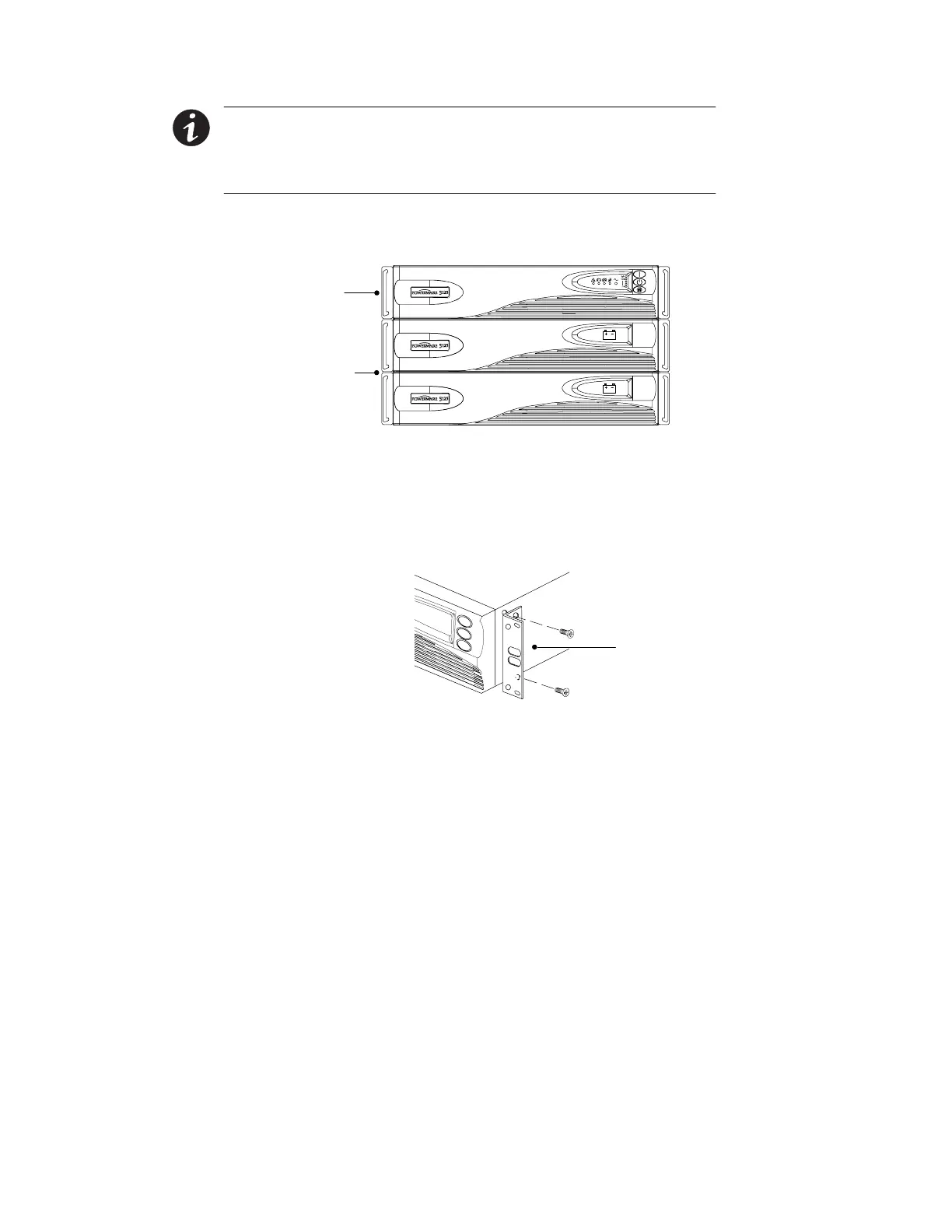
NOTE The EBMs must be installed below the UPS as shown in Figure 3.
4. Slide the UPS and any optional EBMs into the rack. Continue to
“Installing the UPS” on page 24 to complete the installation.
UPS
Optional
EBMs
Figure 3. Rack-Mount UPS with EBMs
Cabinet Setup
The rack-mounting brackets must be removed before positioning the
cabinets for the cabinet setup. Unscrew and remove the mounting
brackets on each side of all cabinets as shown in Figure 4.
Mounting
Bracket
Figure 4. Removing the Mounting Brackets



 To Next Page