2 System tour - 21
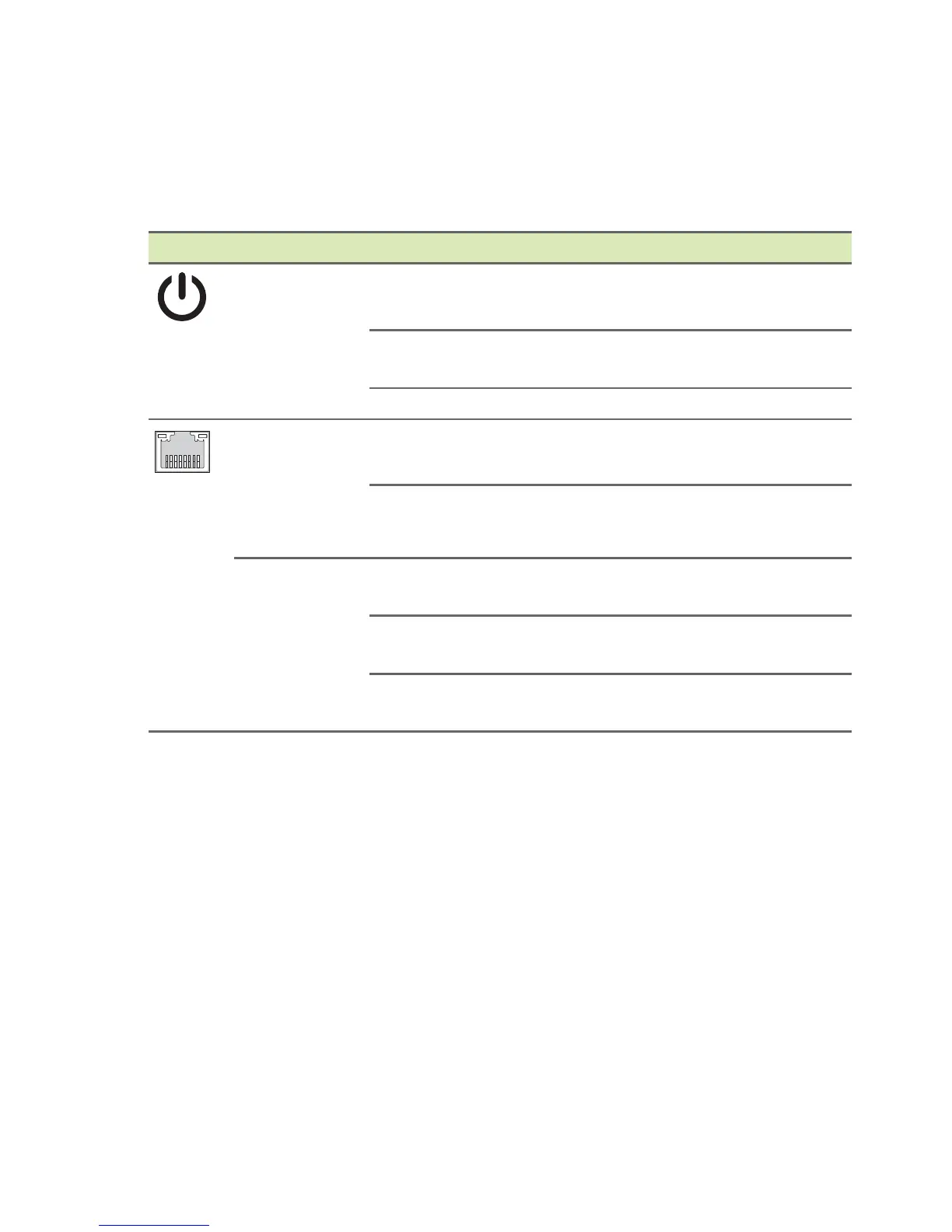
Status indicators
The computer has two status indicators that provide information on
computer operating status and Ethernet (RJ45) jack activity.
Icon Indicator Status Description
Power
status
Solid
red
Power on
Blinking
red
S3 standby/sleep mode
Off Power off
Ethernet
(RJ45)
activity
indicator
(left)
Blinking
green
Network access
Off No access
Ethernet
(RJ45)
link indicator
(right)
Solid
green
Linking at 100 Mbps data rate
Solid
amber
Linking at 1 Gbps data rate
Off
No connection or linking at
10 Mbps speed



 To Next Page