40 - 3 Setting up your computer
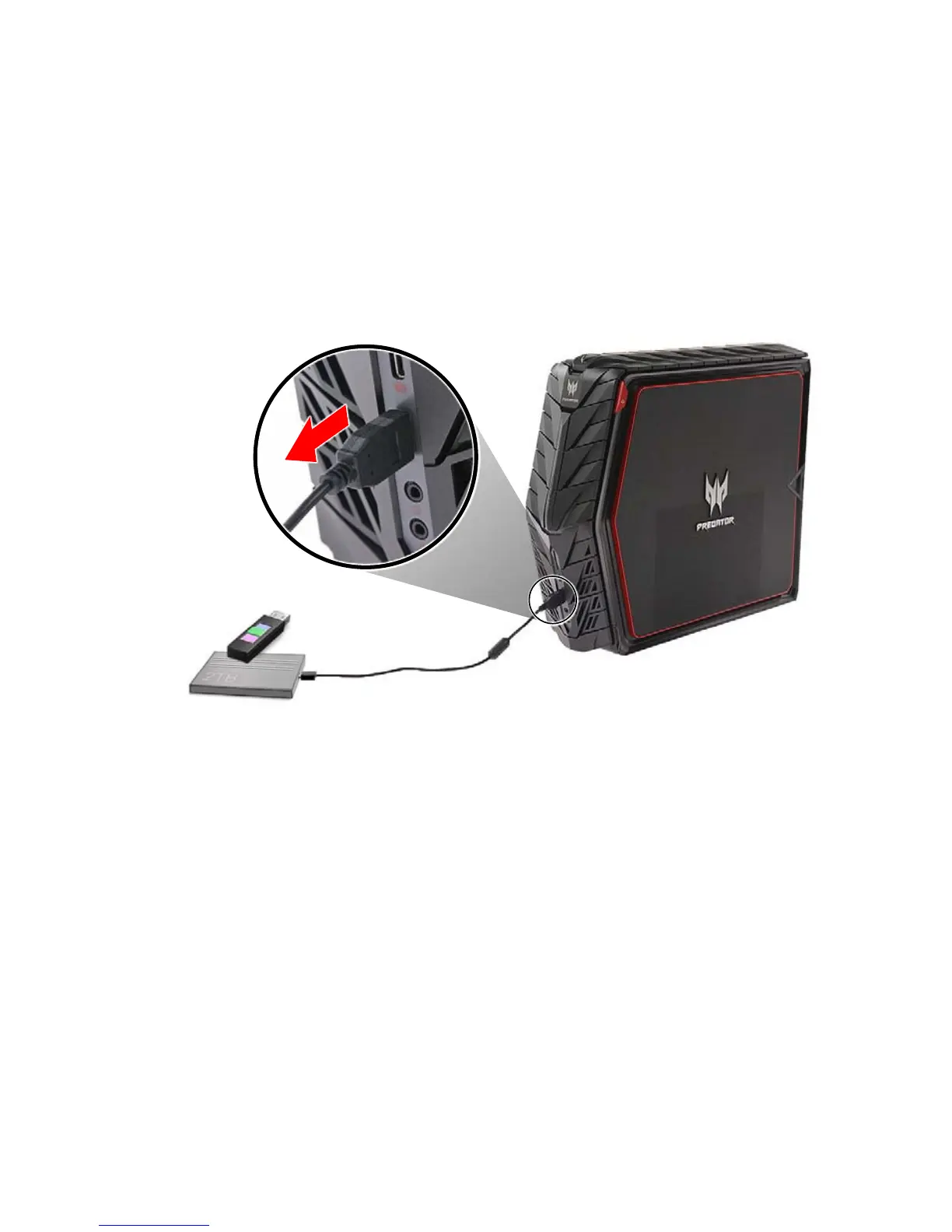
Disconnecting a USB device
To disconnect a USB device from your computer, click on the Safely
Remove Hardware icon on the taskbar and click on the device.
When the device can be safely removed, disconnect the device from
the computer. See your peripheral’s documentation for details.



 To Next Page