46 - 4 PredatorSense
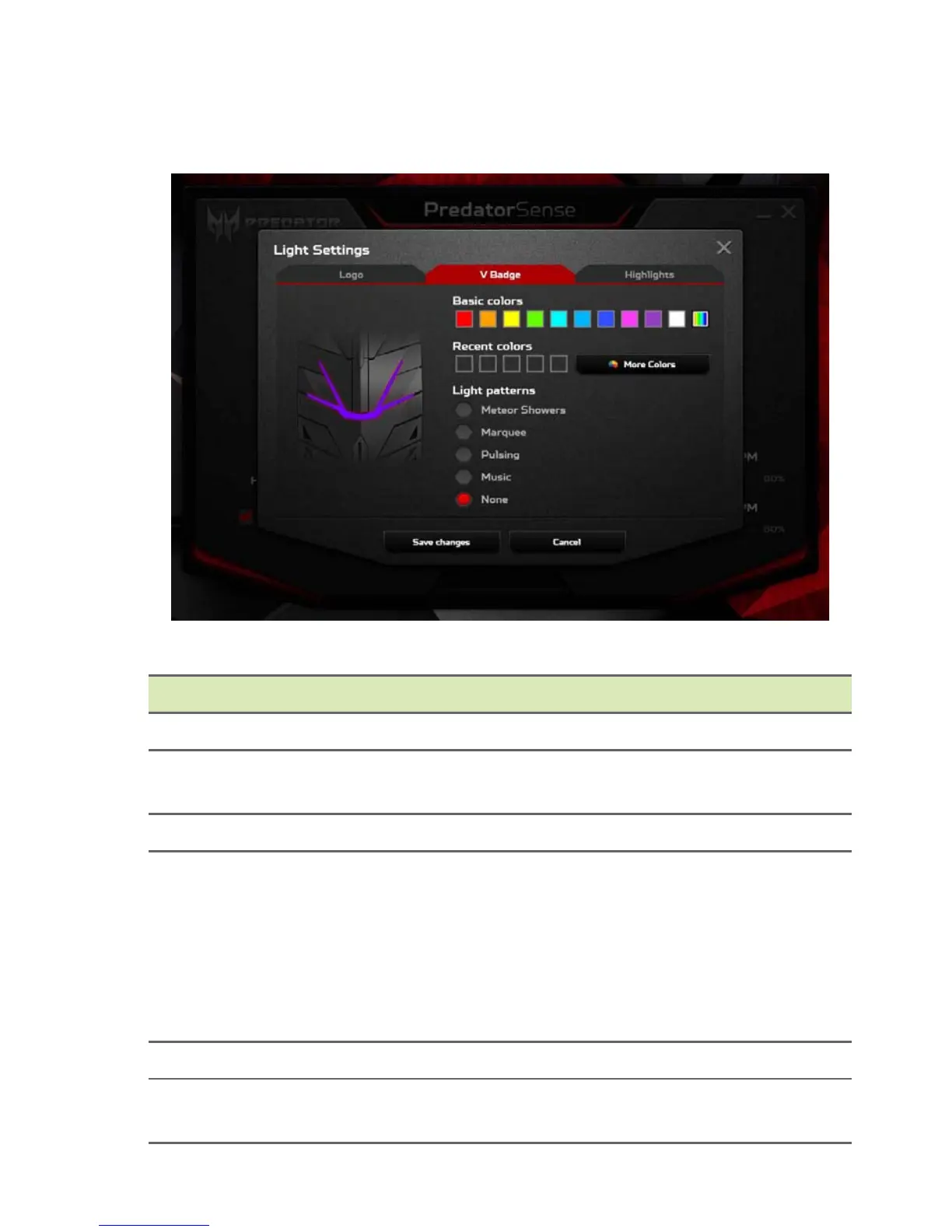
V Badge LED
Category Description
Basic colors Choose the basic color of your lighting effects.
Recent colors
Shows the 5 most recent colors the user has
created using the More Colors button.
More colors Select to get more color options.
Light patterns
• Shows available light pattern options.
• Options: Meteor Showers/Marquee/
Pulsing/Music/None
Note: The Music lighting pattern option will
only function when a speaker or headphone is
plugged-in into the system.
Speed Adjust the display speed of lighting effects.
Delay
Adjust the timing in-between display of lighting
effects.



 To Next Page