50 - 5 Killer network
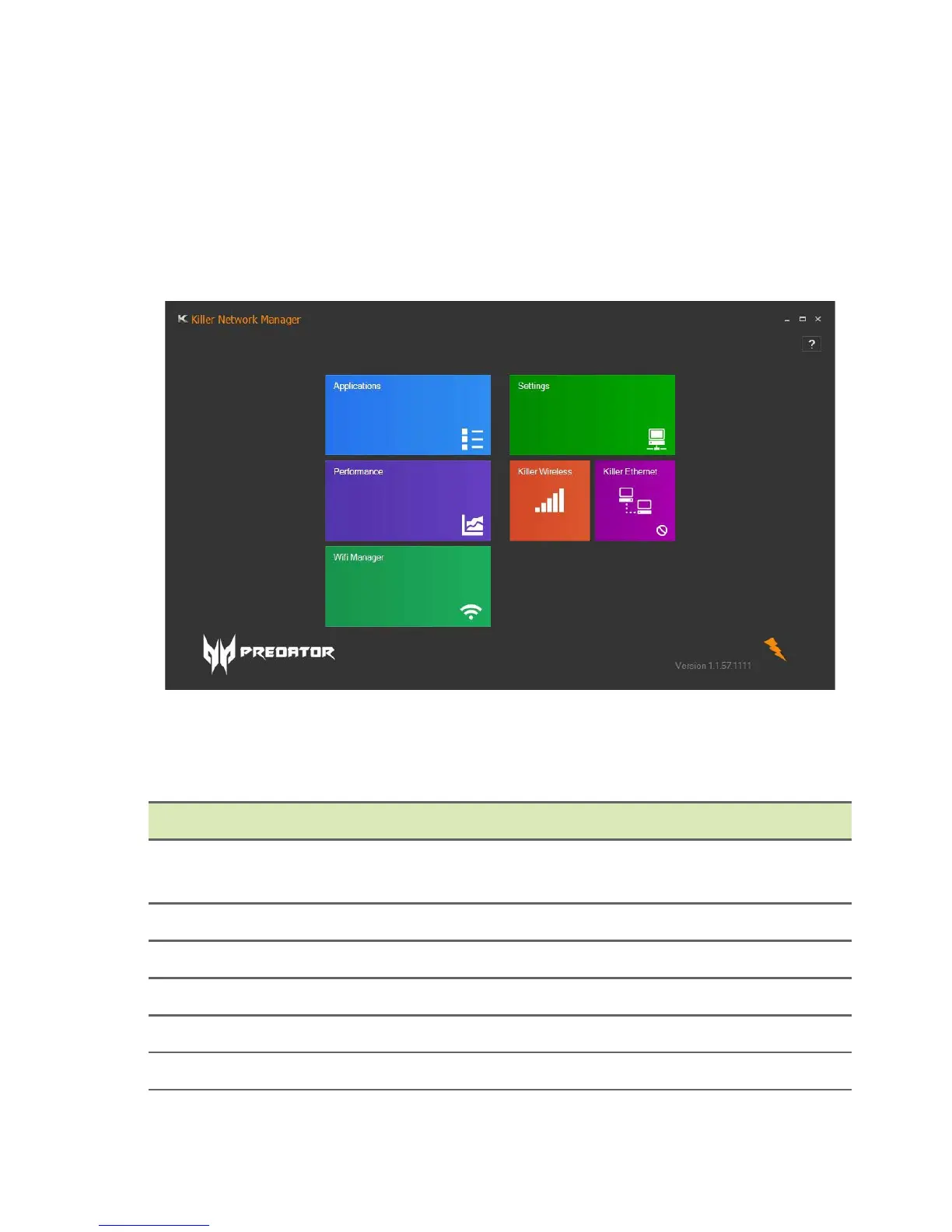
Killer network manager
To set up the Killer Network application (Windows 10):
1.From the Start menu, select All apps.
2.Select Killer Networking.
3.Select Killer Networking Manager.
Alternatively, you can double-click the Killer Networking Manager
desktop shortcut to run the application.
Category Description
Applications
Select to configure applications that are using
network connection.
Settings Select to configure Killer Network settings.
Performance Select to view system network performance.
Killer Wireless Select to view wireless network information.
Killer Ethernet Select to view LAN information.
Wifi Manager Select to view Wifi information.



 To Next Page