3 Setting up your computer - 29
Connecting the computer
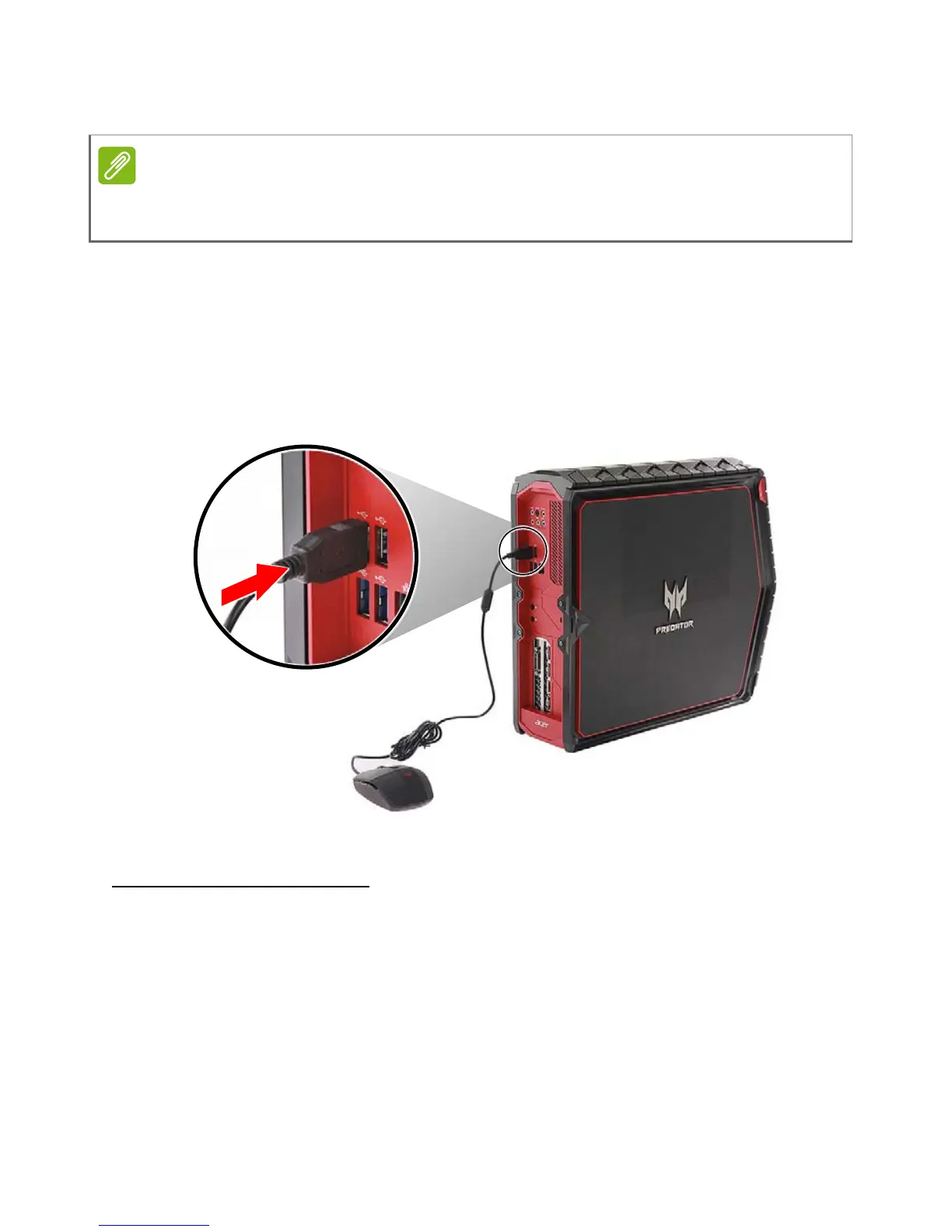
Connecting a USB mouse
Attach the mouse cable to any USB port on your computer.
Information on USB 3.0
• USB 3.0 compatible ports are blue.
• Compatible with USB 3.0 and earlier devices.
• For optimal performance, use USB 3.0-certified devices.
• Defined by the USB 3.0 specification (SuperSpeed USB).
The peripheral devices shown in the following images are for your reference
only. Actual device models may vary in select countries.



 To Next Page