3 Setting up your computer - 39
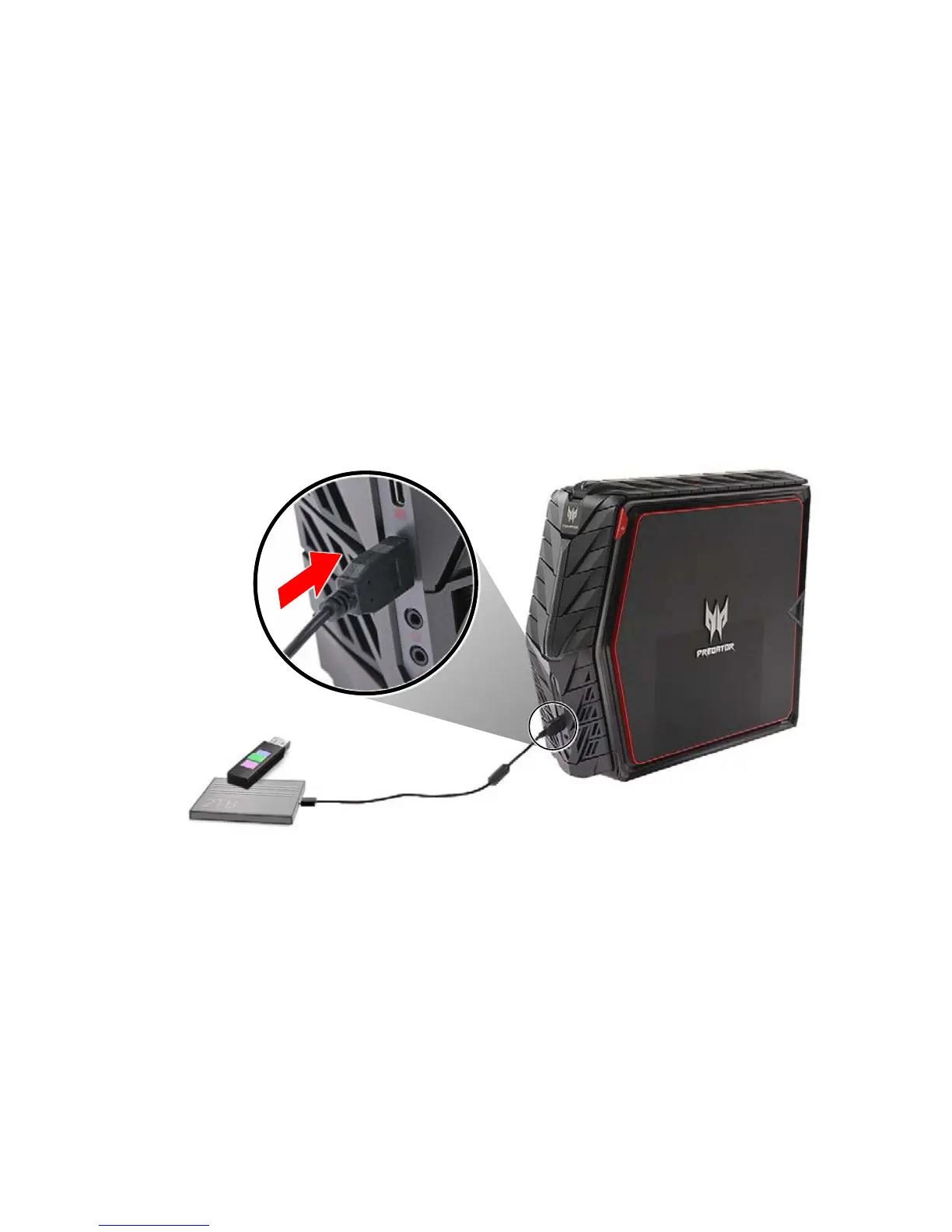
Using a USB device
Your computer has six USB 3.0 ports located on the front and rear
panels. You can connect USB devices such as keyboards, mouse,
storage devices, power banks, smartphones, or digital cameras to
these ports.
Connecting a USB storage device
To connect a USB device, simply plug the device cable into any of the
USB port located on the front and rear panels of your computer.



 To Next Page