36 - 3 Setting up your computer
Connecting to a wireless network
This computer is equipped with a wireless communication feature.
This feature allows you to connect to a wireless Ethernet-based
network and communicate with other wireless communication
devices.
Your computer's wireless connection is turned on by default and
Windows will detect and display a list of available networks during
setup. Select your network and enter the password if required.
You can use the network management options to turn your wireless
network on/off or control what is shared over the network.
Setting up a wireless connection
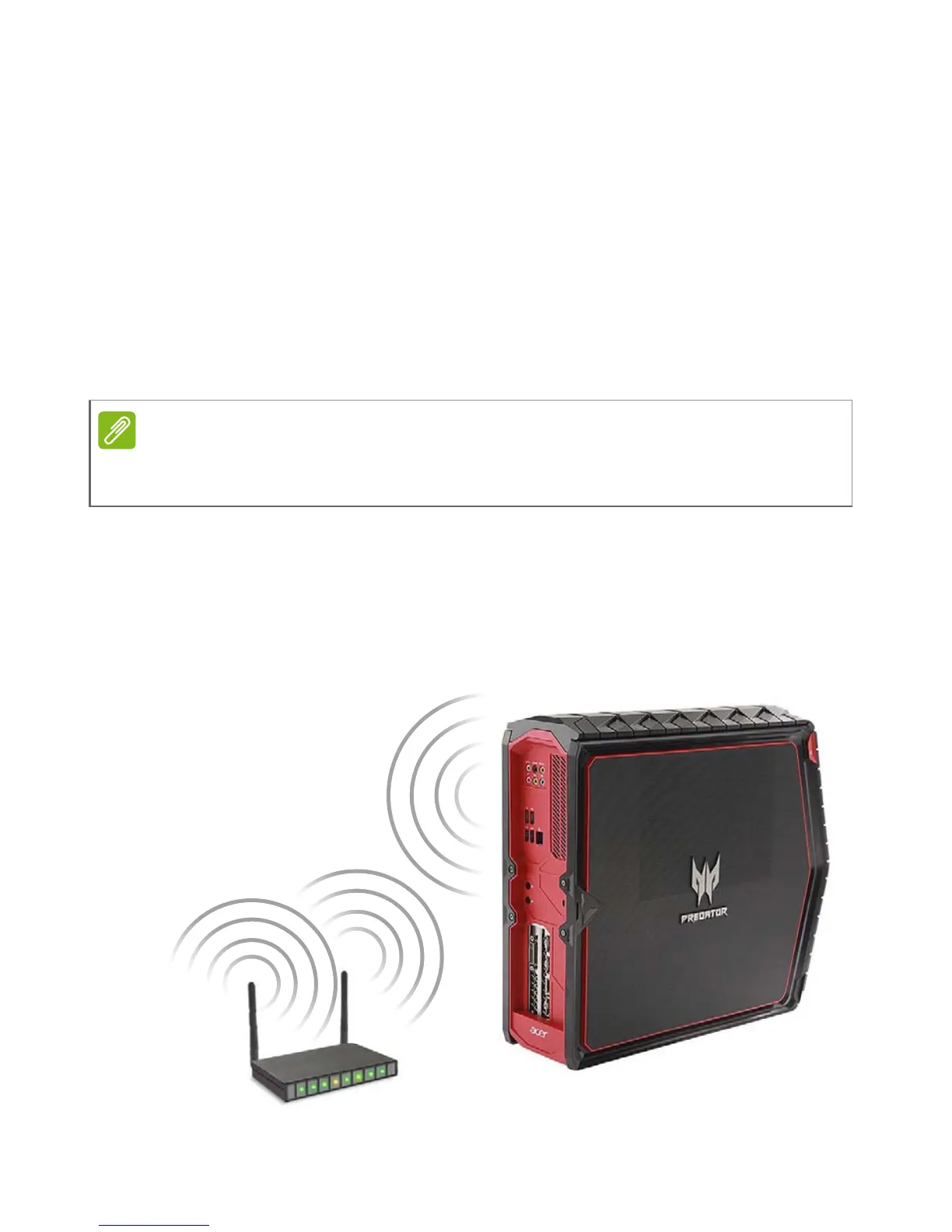
Following illustration shows an example of wireless network
installation.
Before you proceed, ensure that the wireless LAN module is installed and
working properly.



 To Next Page