52 - 5 Killer network
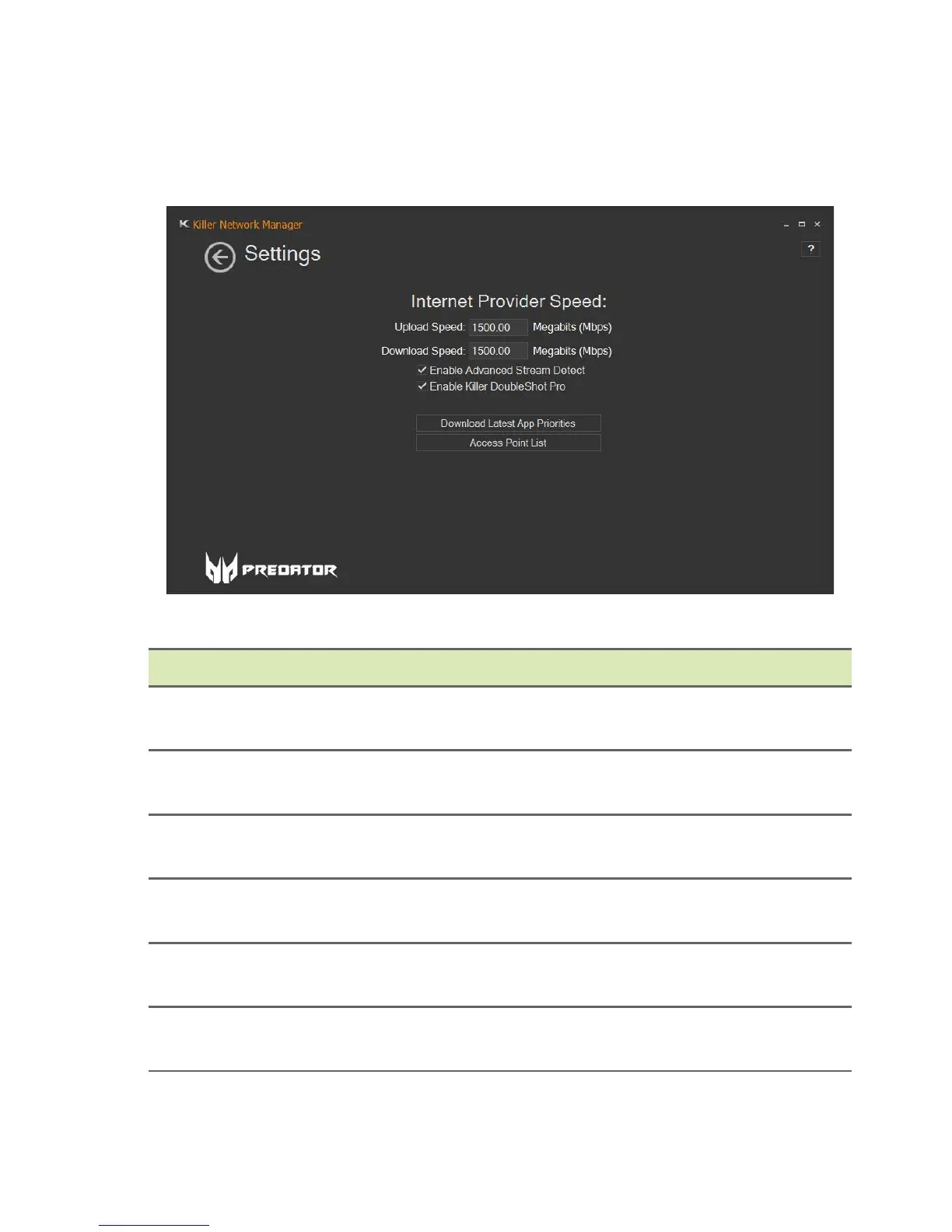
Settings
Select the Settings tile to configure Killer Network settings.
Category Description
Upload Speed
Set the upload speed of your network
connection.
Download Speed
Set the download speed of your network
connection.
Enable Advanced
Stream Detect
Enable or disable the Advanced Stream
Detect feature of Killer network.
Enable Killer
DoubleShot Pro
Enable or disable the Killer DoubleShot Pro
feature of Killer network.
Download Latest App
Priorities
Select to update the latest application rules, if
available.
Access Point List
Select to view a list of access points that you
have previously connected.



 To Next Page