66 - 6 Upgrading your computer
Hard drive
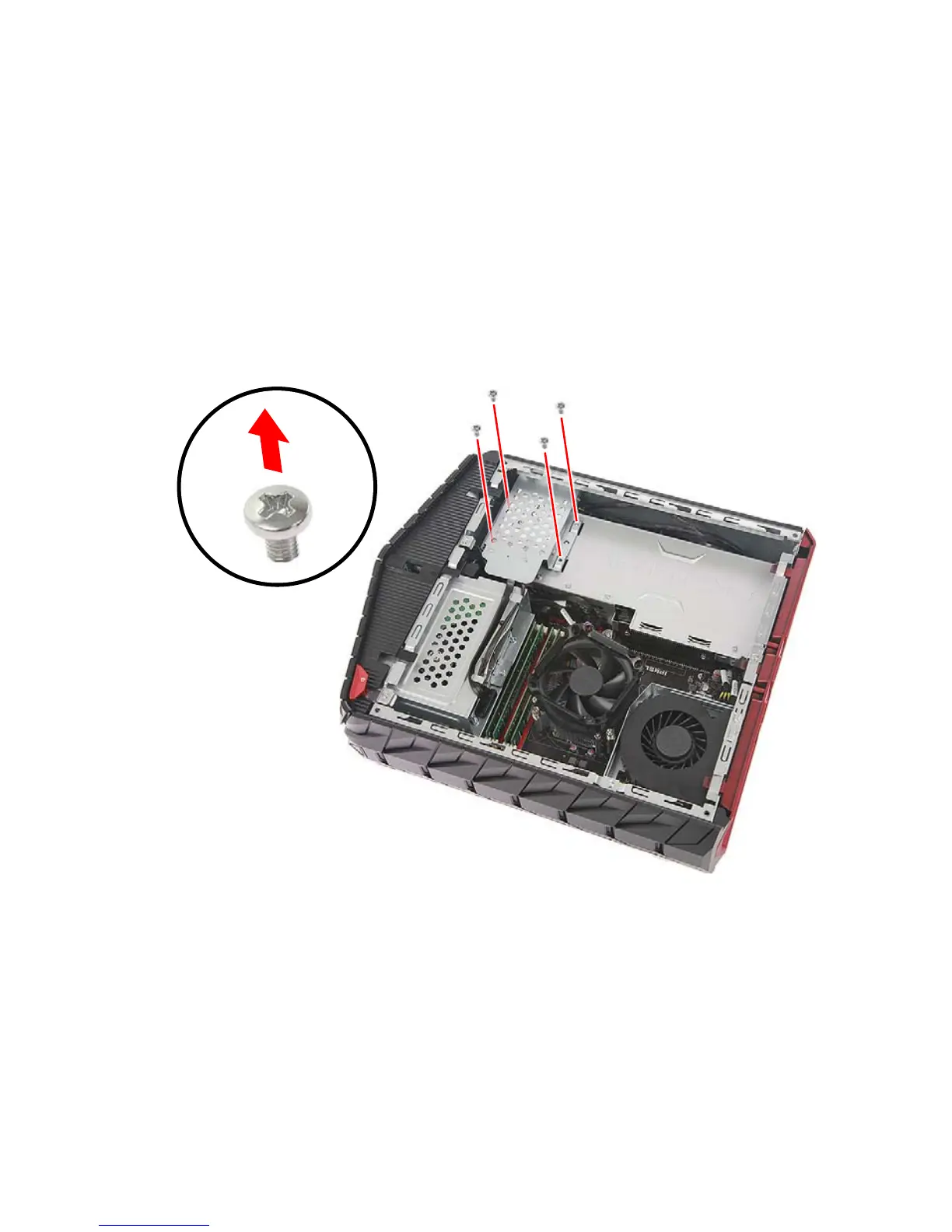
The computer supports installation of one 2.5-inch SATA hard drive
and one 3.5-inch SATA hard drive.
Removing the 2.5-inch hard drive
1.Perform Pre-installation instructions on page 58.
2.Remove the four screws that secure the HDD bracket to the
graphics card cover.



 To Next Page