54
6 The Fat Channel
6.6 EQ Mode (Dynamic Fat Channel)
StudioLive™ Series III
Owner’s Manual
6.6 EQ Mode (Dynamic Fat Channel)
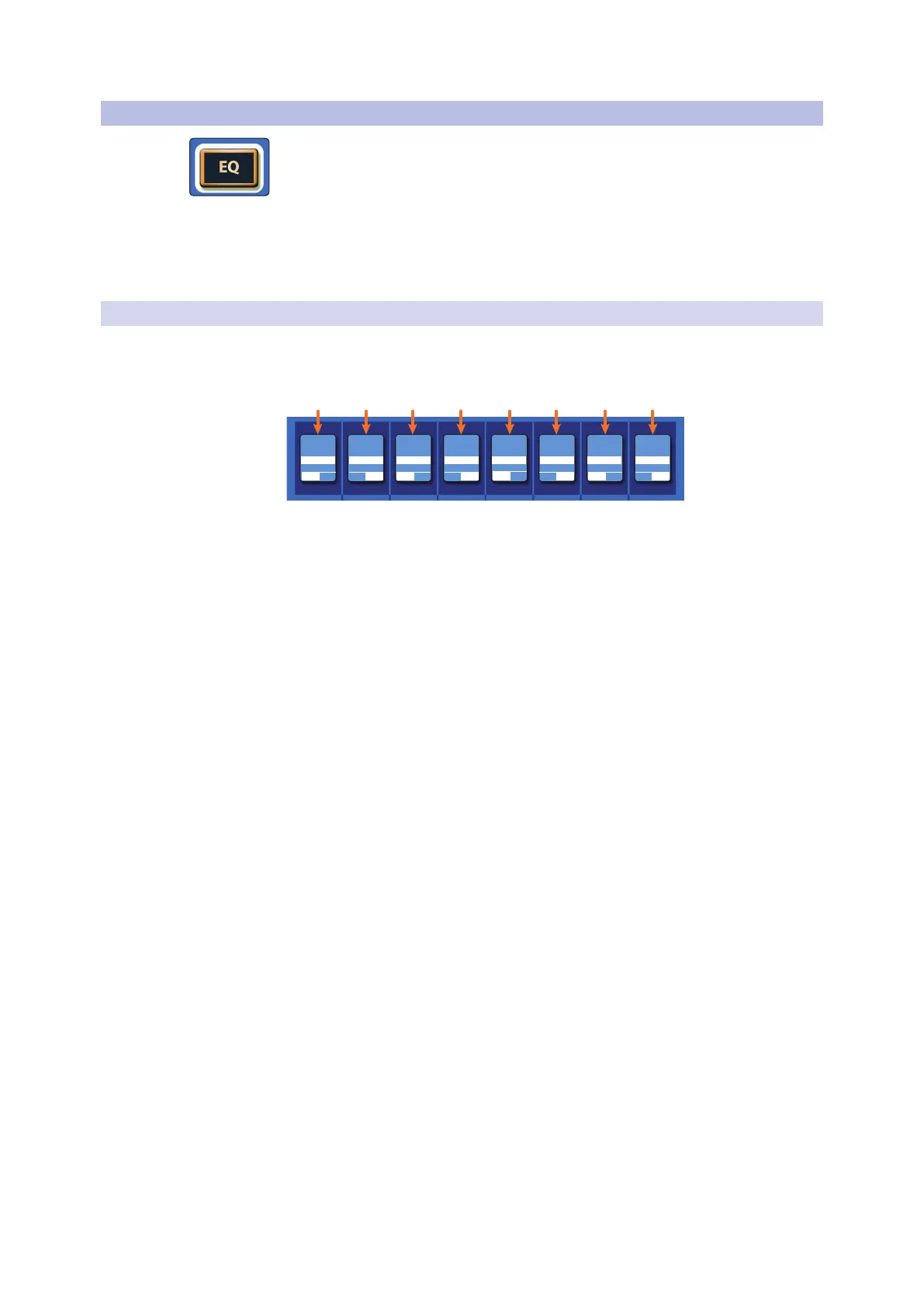
Pressing the EQ button in the Fat Channel gives you access to equalization settings
for the currently selected channel or mix. An EQ (or equalizer) is a tone control that
lets you make changes in the tonal balance of a signal. You can boost or cut the level
of ranges of frequencies, to make corrective or creative changes to the signal.
Like the compressor, StudioLive Series III mixers ship with three EQ models from
which to choose and the Fat Channel behaves differently, depending on which
model is loaded. For more information on available Fat Channel plug-in models, see
Section 6.8.5.
6.6.1 Standard EQ
Dynamic Fat Channel Controls
The Standard EQ is selected on every input channel and output by default:
H-MID
H-MIDL-MIDL-MIDLOWLOW
Gain Freq Gain Freq Gain Freq
OffQ Q QQ
Gain Freq
HIGH HIGH
0.00 dB 5.00 kHz1.40 kHz0.00 dB320.0 Hz0.00 dB130.0 Hz0.00 dB
FreqFreqFreq FreqOnOffOnOffOnOffOn
1 2 3 4 5 6 7 8
1. Band 1 / Low Gain. Sets the amount by which the selected frequency will be
boosted or cut. Press the button below to turn the band on or off.
2. Band 1 / Low Frequency/Q. The encoder can control either frequency or Q
for this band of EQ. Use the button below to toggle between the two. When in
Frequency mode, it sets the center frequency at which signals are boosted or
cut by this band of EQ. When in Q mode, it sets the Q (or width) of the current
EQ band. Larger Q values affect a narrower range of frequencies. Lower Q values
affect a wider range.
3. Band 2 / Low-Mid Gain. Sets the amount by which the selected frequency will
be boosted or cut. Press the button below to turn the band on or off.
4. Band 2 / Low-Mid Frequency/Q. The encoder can control either frequency or
Q for this band of EQ. Use the button below to toggle between the two. When
in Frequency mode, it sets the center frequency at which signals are boosted or
cut by this band of EQ. When in Q mode, it sets the Q (or width) of the current
EQ band. Larger Q values affect a narrower range of frequencies. Lower Q values
affect a wider range.
5. Band 3 / High-Mid Gain. Sets the amount by which the selected frequency will
be boosted or cut. Press the button below to turn the band on or off.
6. Band 3 / High-Mid Frequency/Q. The encoder can control either frequency or
Q for this band of EQ. Use the button below to toggle between the two. When
in Frequency mode, it sets the center frequency at which signals are boosted or
cut by this band of EQ. When in Q mode, it sets the Q (or width) of the current
EQ band. Larger Q values affect a narrower range of frequencies. Lower Q values
affect a wider range.
7. Band 4 / High Gain. Sets the amount by which the selected frequency will be
boosted or cut. Press the button below to turn the band on or off.
8. Band 4 / High Frequency/Q. The encoder can control either frequency or Q
for this band of EQ. Use the button below to toggle between the two. When in
Frequency mode, it sets the center frequency at which signals are boosted or
cut by this band of EQ. When in Q mode, it sets the Q (or width) of the current
EQ band. Larger Q values affect a narrower range of frequencies. Lower Q values
affect a wider range.











 To Next Page