26 Running Your First Job
the Duplicator successfully before with a particular brand of
media that is highly reliable, you may choose to record without
testing or verifying. This will deliver the highest throughput
rate of finished discs.
Test recording performs all of the operations of recording with
the drive's laser turned on to reading power. A test recording
run will determine if the data source will keep up with the
recorder's demand. Normally, a single test run is sufficient to
determine if a condition known as "buffer underrun" will
occur. If a buffer underrun occurs during recording, all the
discs that are run through your CD Recorder will be wasted!
So, a quick test recording is highly recommended before
starting a job and walking away.
Verifying will test the CD-R disc itself to make sure that it is
capable of receiving data. Discs that do not pass verification
will be rejected before recording begins, thus saving valuable
recording time.
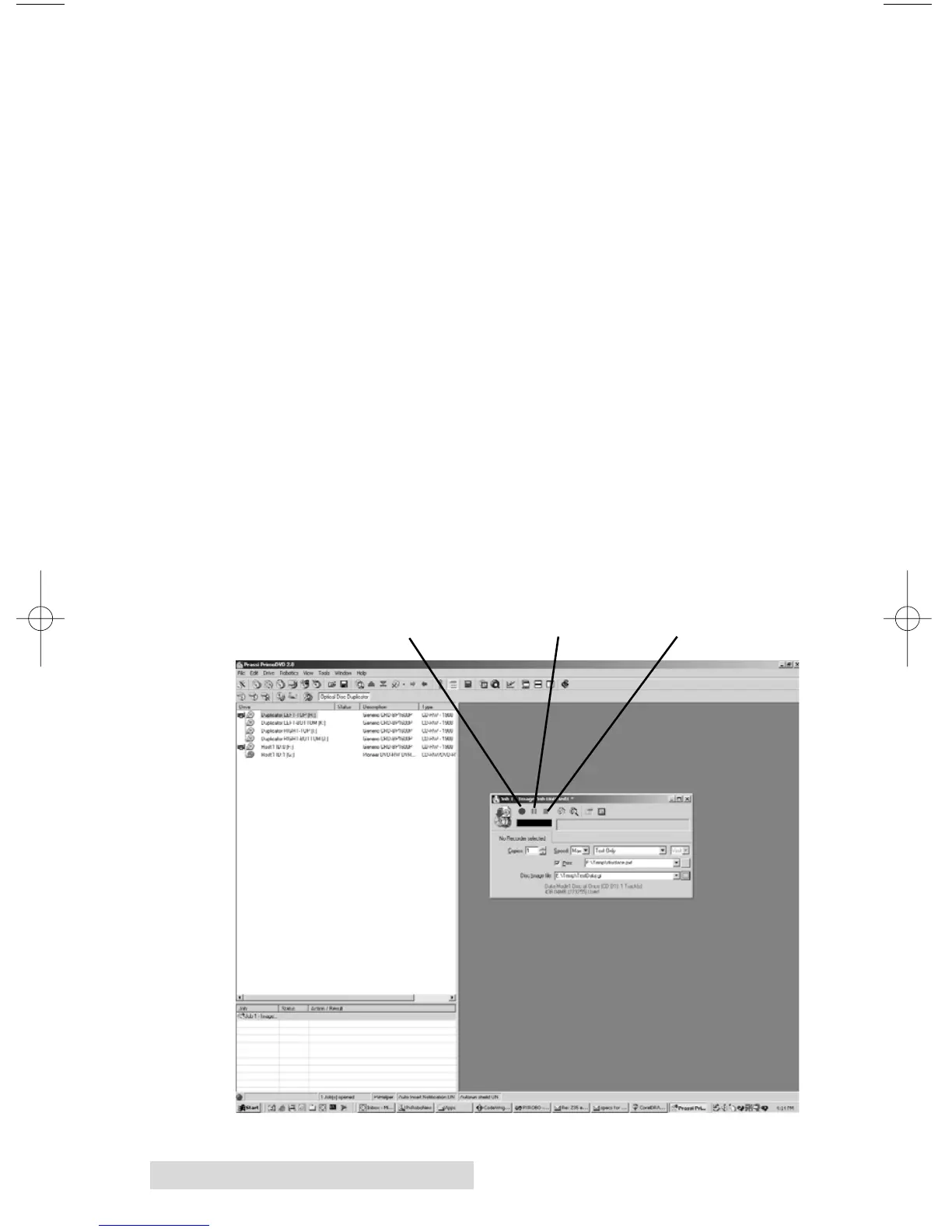
After your job(s) have been set up, each one may be started by
clicking on the red "Record" button at the top of the Job Setup
Panel. Here's what the Job Setup Panel looks like:
Record Button
Stop Button
Pause Button



 To Next Page