20 Hardware and Software Set-Up and Testing
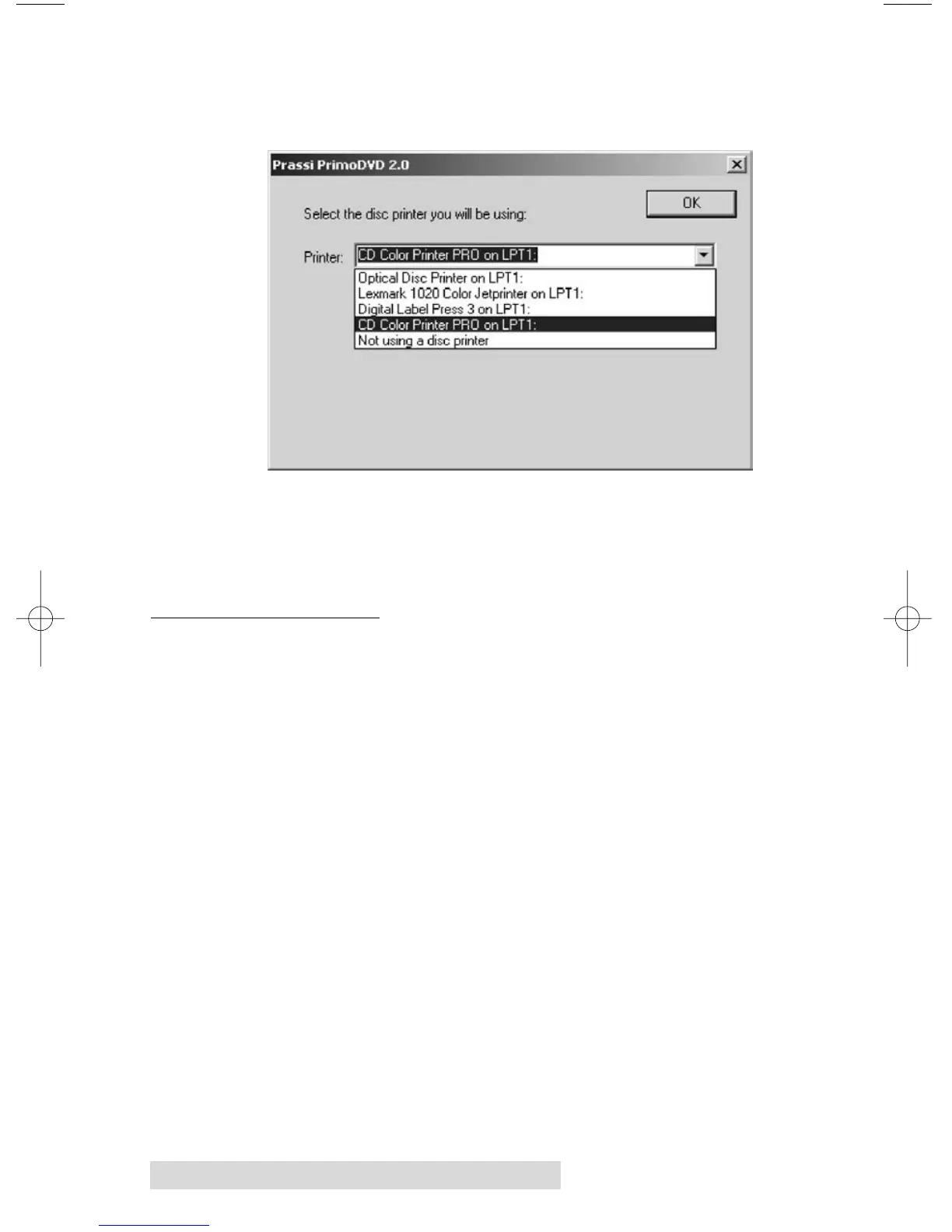
Once the drives are selected, the following dialog box
should appear:
Select your printer from this list. If you are not using a
printer, simply select "Not using a disc printer" from the
drop-down menu.
G. SOFTWARE TEST
The final set-up step before starting your first job is to test the
entire hardware/software configuration. This will confirm
that the hardware, software and your PC are all
communicating properly with each other properly. Follow
this procedure:



 To Next Page