30 Interpreting the Duplicator’s LED Status Lights
Section 4: Interpreting the Duplicator's
LED Status Lights
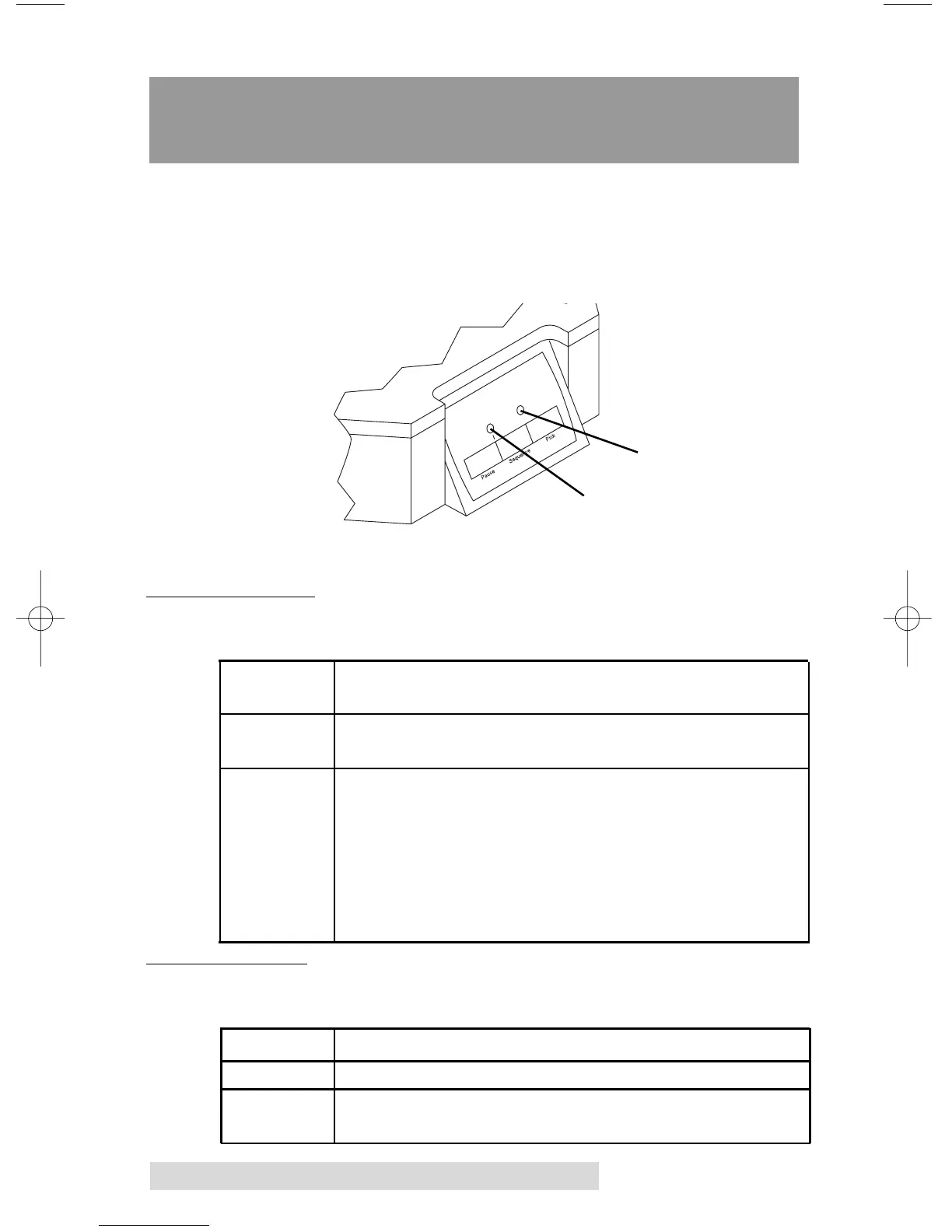
The LED Status Lights are located on the front Control Panel.
They can tell you a lot about what is happening at any given
moment with the Duplicator, including a number of error
conditions. To accurately interpret what is meant when the lights
are on, off, or flashing, please refer to the following chart:
A. POWER LED
Status Condition
Off No Power. Plug in the Power Adapter. Also, check
the robotic interface cable on the back of the unit.
On Solid Power is ON. This is the Duplicator's normal
"waiting" mode.
Flashing Power is ON, but an error condition exists:
a. Didn't pick up a disc
b. Dropped a disc
c. Discs out
d. Robotic arm stalled; probably hit something
while moving. Press any button on Control Panel
to re-try.
B. PAUSE LED
Status Condition
Off Normal "waiting" mode
On Solid Duplicator is paused.
Flashing Duplicator is busy; i.e. motors are running,
printer is printing, etc.
Power LED
Pause LED



 To Next Page