Hardware and Software Set-Up and Testing 9
Section 2: Hardware and Software
Set-Up and Testing
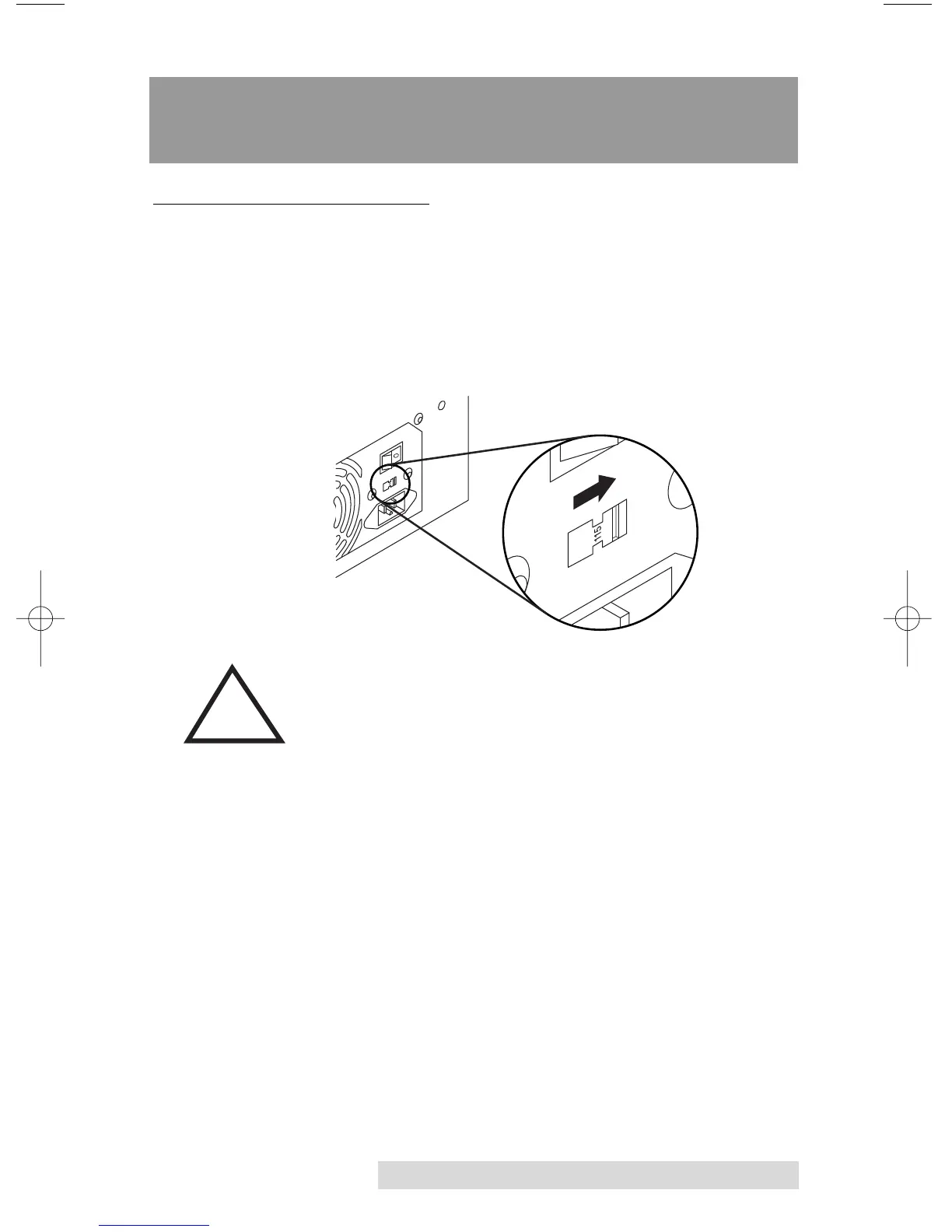
A. SELECTING VOLTAGE
1. Locate the Voltage Select Switch on the back of the unit.
2. Set the switch to the appropriate setting. Use the 115
setting for North America or Japan. Use the 230 setting for
Europe and Asia. Please note that this switch is set at the
factory to 115.
Setting this switch to the wrong position will damage
your Duplicator! Be certain to check this switch prior
to applying power to the Duplicator.



 To Next Page