16 Hardware and Software Set-Up and Testing
D. HARDWARE TEST AND PRINTER ALIGNMENT
1. Power-up your PC by re-connecting its main power cord.
Turn on the PC with its power button.
2. While waiting for Windows to start, perform a Hardware
Test as follows:
a. Apply power to the Duplicator
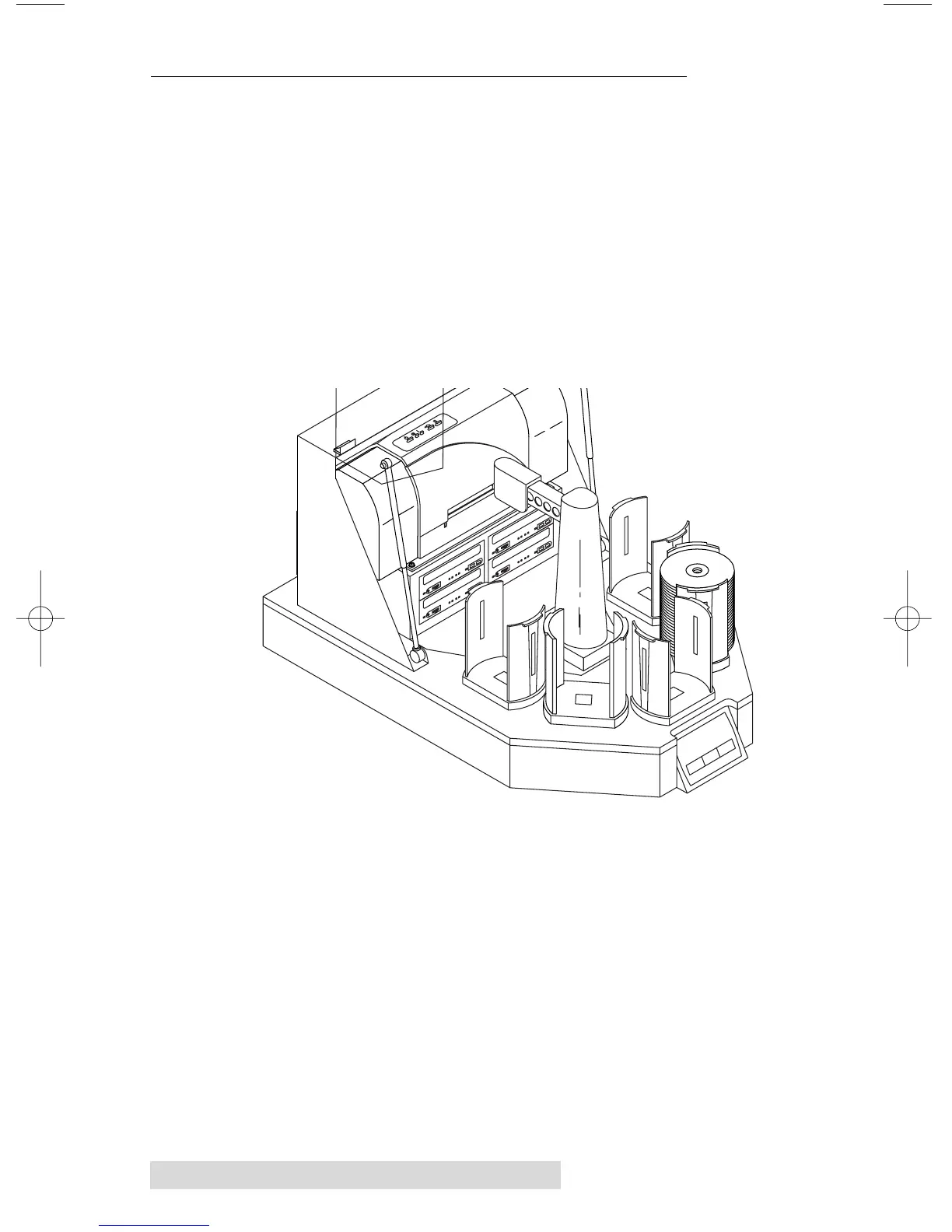
b. Place the gray plastic Input and Output Bins on top of
the Duplicator.
c. Put a stack of blank CDs in the Input/Output Bin to
the immediate right of the center Input/Output Bin
(leaving the center bin empty).
d. Press the Sequence button repeatedly until the arm is
positioned over the Input Bin.
e. Press the Pick button on the control panel. The robotic
arm will pick up a disc.
f. Open the top right CD-R Recorder's CD Tray with the
CD Tray button.
g. Press the Sequence button repeatedly until the arm is
positioned over the drive.
h. Press the Pick button. The CD will be placed into the
CD Tray.
i. Press the Pick button again. The CD will be lifted out
of the CD Tray.



 To Next Page