24 Running Your First Job
Section 3: Running Your First Job
Now that you've completed the hardware set-up, connected
all cables, loaded the PrimoDVD 2.0 Software and the printer
driver and performed all tests, you're ready to copy discs.
The example given in this chapter is for a simple audio CD
copying job using Prassi PrimoDVD software. Please refer to
the excellent Prassi Software User's Guide included on the
Prassi Installation Disc in Adobe Acrobat format for
instructions on performing other types of copying jobs. It is
highly suggested that you print this manual before using the
software. There is also on-line help available from the Prassi
software's Help screens.
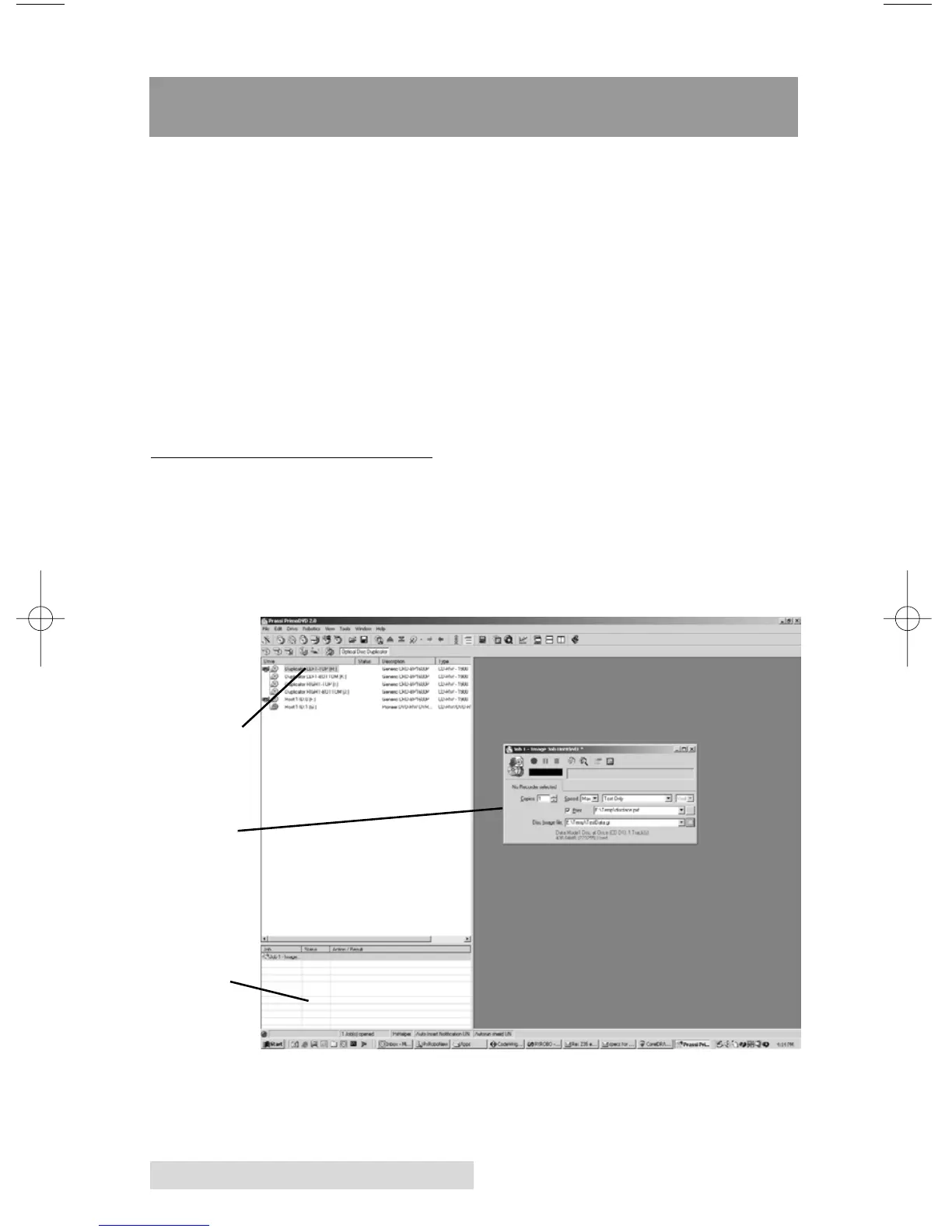
A. OPERATING SCREENS
To keep things simple, there is really only one main operating
screen you'll need to know about in order to run the Prassi
Software. It is called the Application Window and it looks
like this:
Job Status
Window
Job Set-Up
Window
Drive Status
Window



 To Next Page