Hardware and Software Set-Up and Testing 23
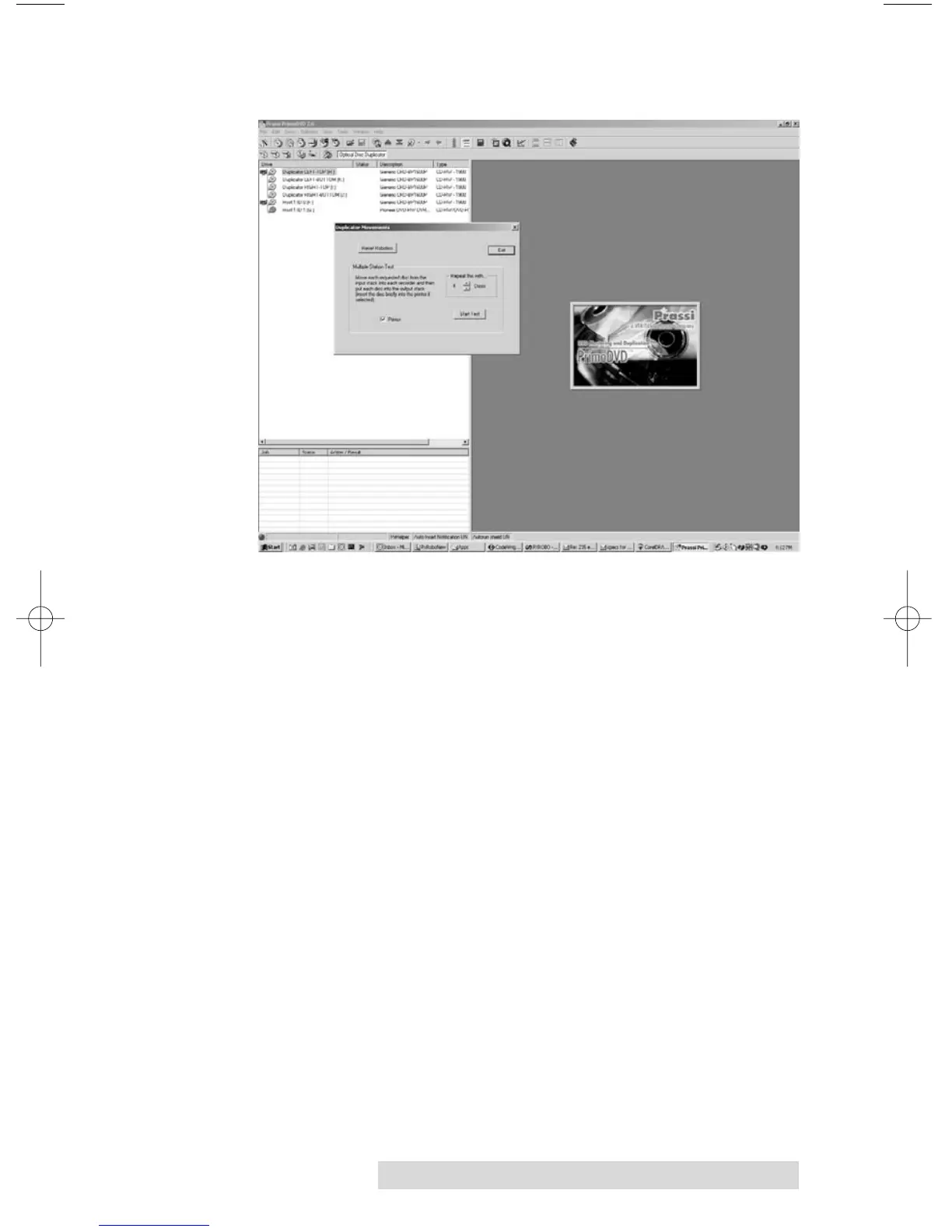
7. Select Manual Movements.
8. Deselect any components you don't have installed in the
check boxes in Multiple System Test.
9. Load at least 4-5 discs into the Input Bin.
10. Click on Start Test. The robotic arm will move through its
entire sequence automatically. If you specified more than
one disc, it will continue until the number you specified is
completed or it runs out of discs.
Congratulations! You have now completed the installation
process and your Duplicator is ready for operation.
NOTE: PrimoDVD 2.0 software is for use only with Windows 2000 and
Windows XP only. A Macintosh version is not available.
The next section of this Operator's Manual will guide you through a
simple audio disc copy procedure. For information on performing
more advanced copying jobs or to learn how to copy Video CD's,
data discs and other formats, consult the separate PrimoDVD 2.0
Operator's Guide included with your Duplicator. An excellent
online Help file is also available from within the Primo software as
well as from the printer driver software.



 To Next Page