22 Hardware and Software Set-Up and Testing
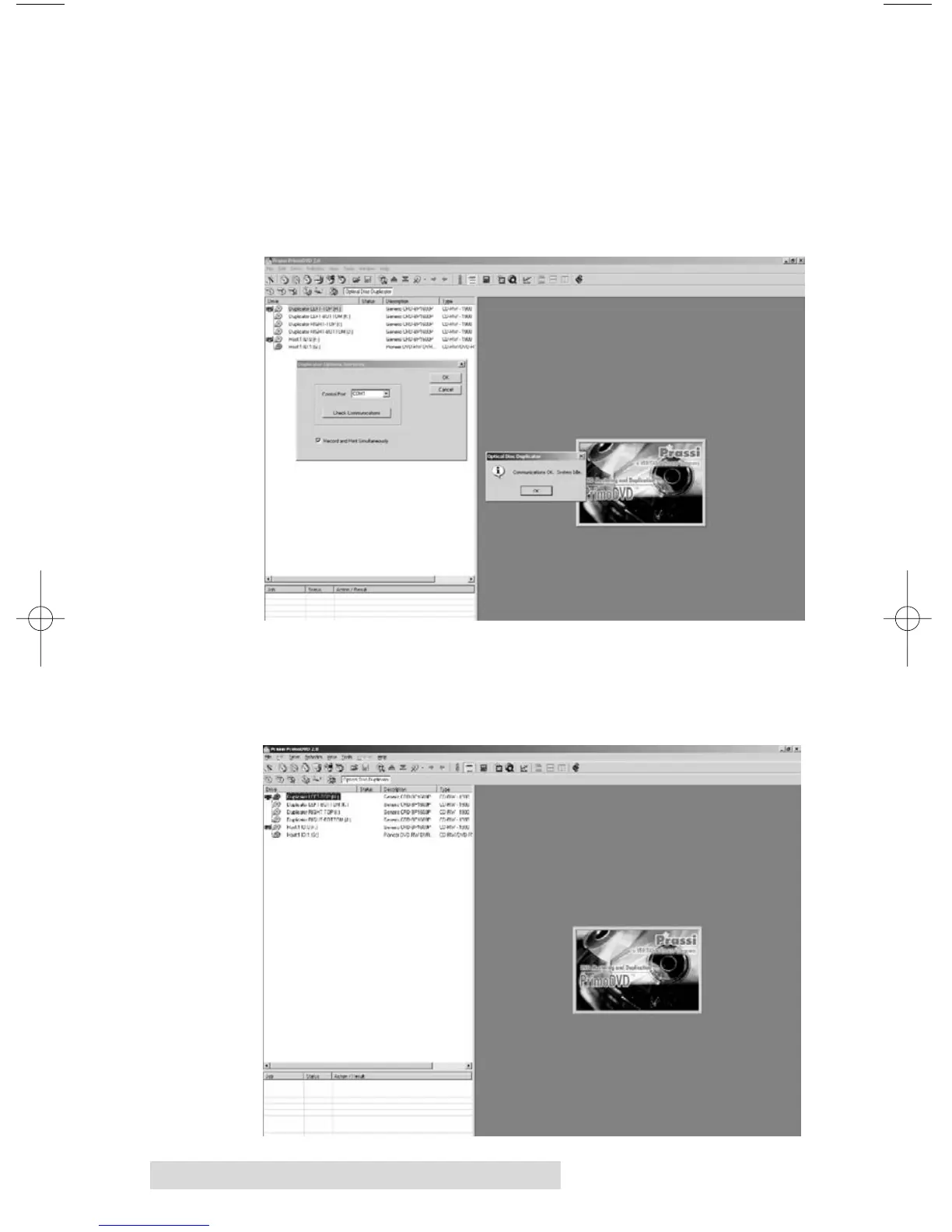
4. Click on Check Communications. You will get a dialog
box saying "Communication OK. System Idle." If you
don't, check that all cables are connected securely. Or,
change the serial cable from COM1 on your PC to COM2
or COM3 and change the setting in the Control Port drop
down menu. Try again until you get the "Communication
OK" message.
5. Click OK to get back to the main screen.
6. Select a recordable drive from the list on the left. Click on
Robotics again.



 To Next Page