Hardware and Software Set-Up and Testing 21
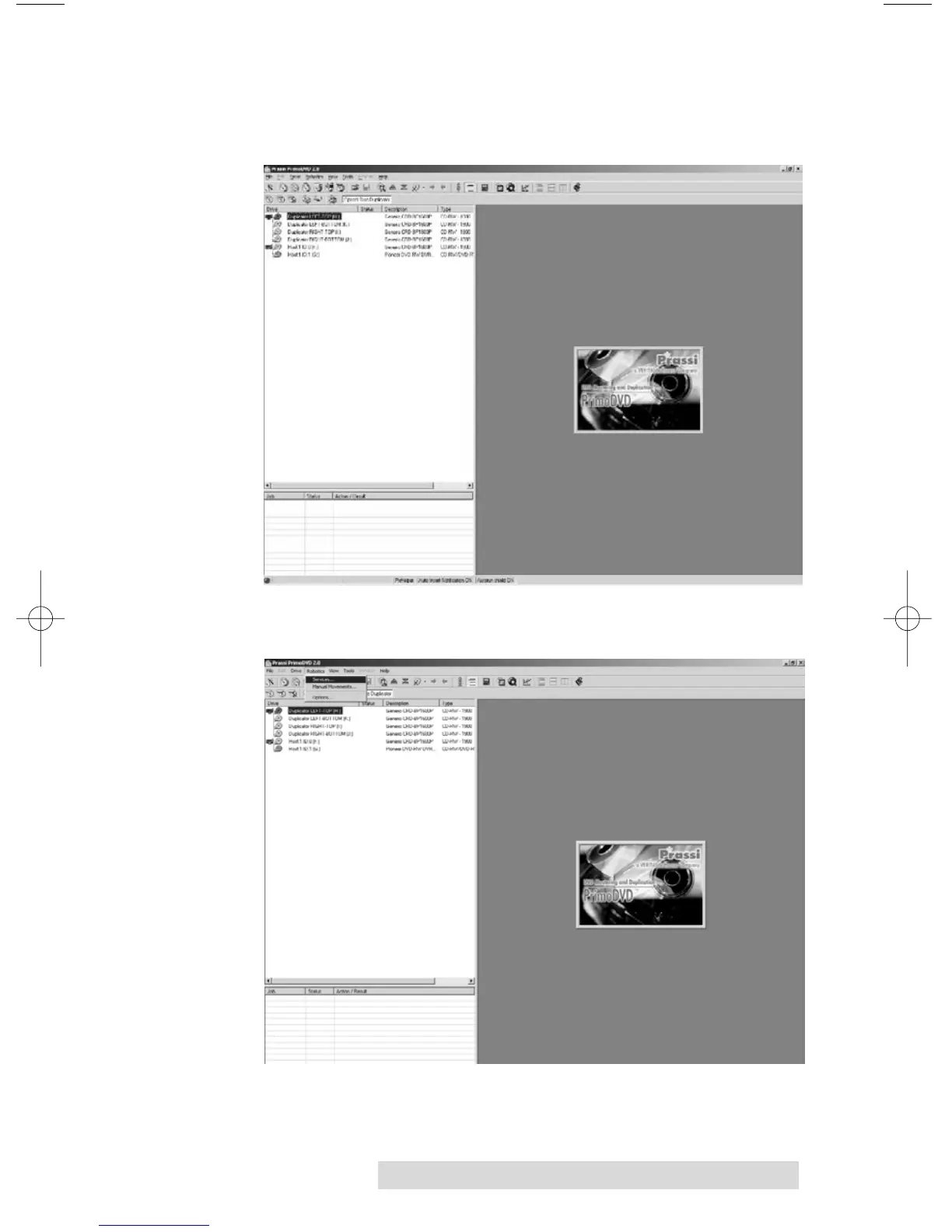
1. Launch the Primo software from your Windows Desktop
or program menu. The main Application Window
will appear.
2. From the main Application Window, click on Robotics.
3. In the drop-down menu, go to Services.



 To Next Page