Maintenance and Troubleshooting
33
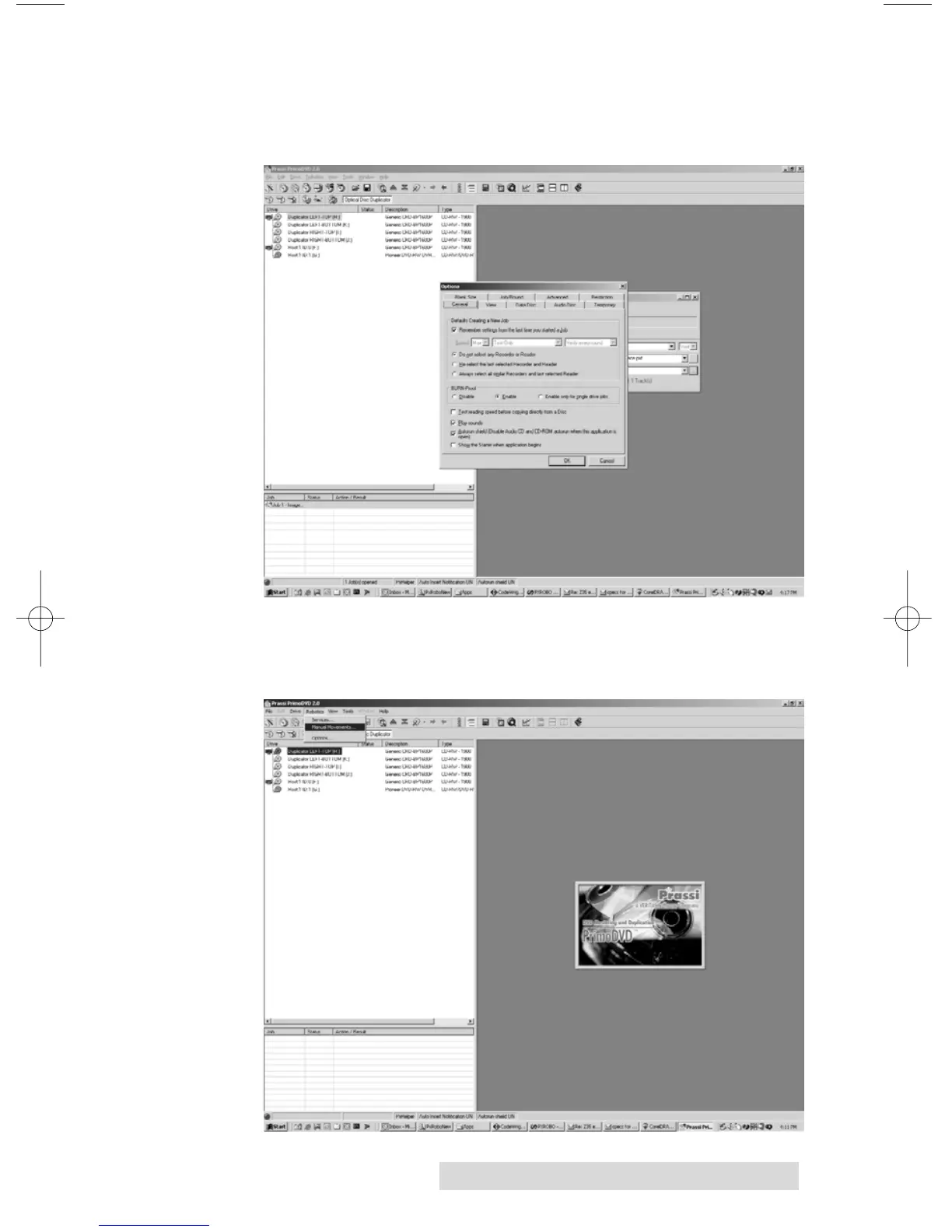
a. Click Tools, Options and check the box labeled Enable
Burn Proof. This option enable the drive to slow down its
recording speed to match the data.
b. Click Robotics, Options and deselect Record and Print
Simultaneously. This will cause your jobs to take longer,
but will free more computer resources for recording.



 To Next Page