190
Chapter 7 Installing Internal Options
7.5.1 Where to Install an Expansion Card
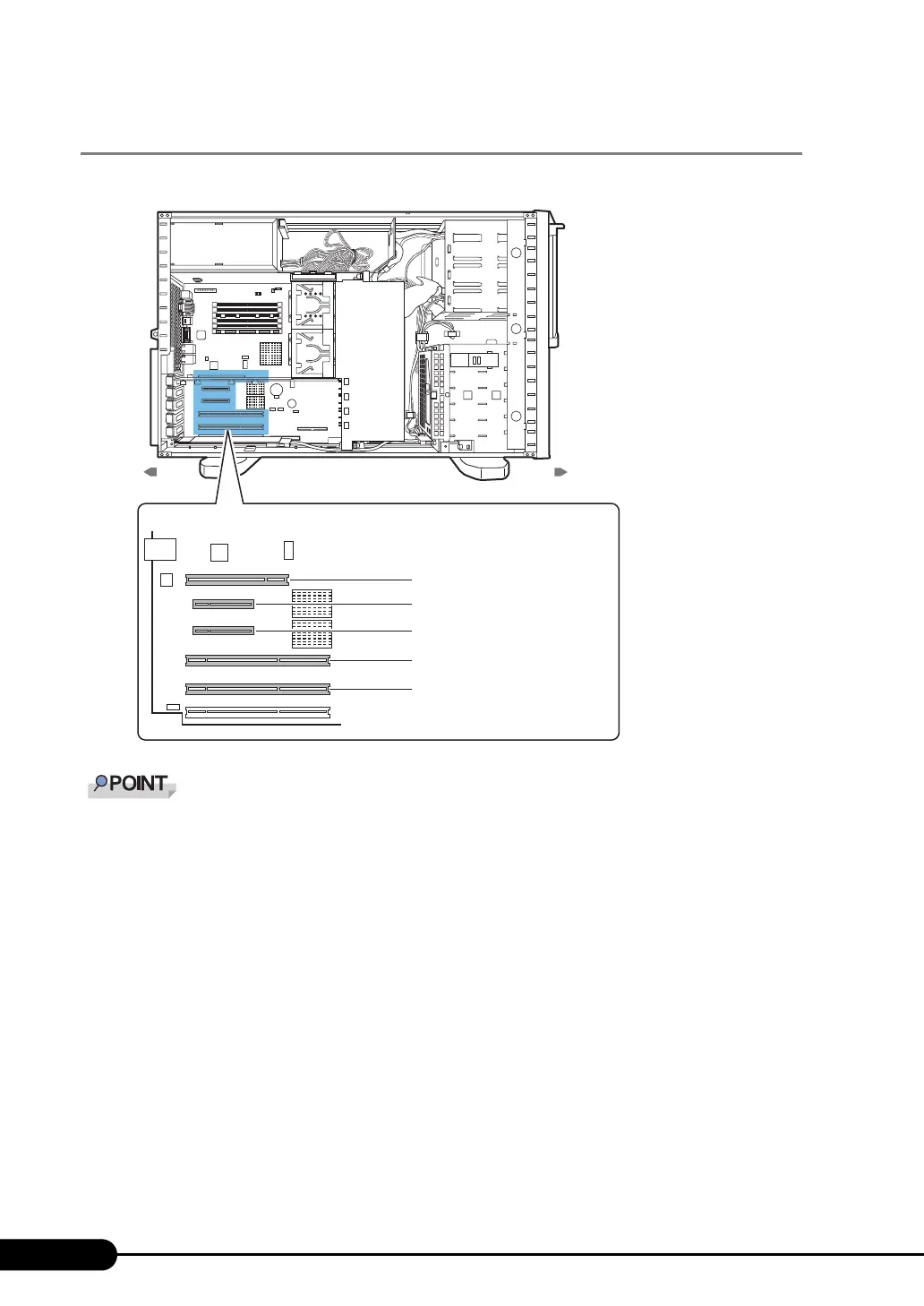
The server has five PCI slots to accommodate up to five expansion cards.
` The operating frequency is different according to the number of installed expansion cards and
specifications.
` To install slot 5, populate a PCI board.
PCI Slot 5 (32 bits, 33MHz)
PCI Slot 4 (PCI-Express x4)
PCI Slot 3 (PCI-Express x8)
PCI Slot 2 (64 bits, 100MHz)
PCI Slot 1 (64 bits, 100MHz)
Rear Front
Baseboard



 To Next Page