263
PRIMERGY TX200 S3 User’s Guide
9
Operation and Maintenance
9.4 Security
Security features are provided in order to protect the server hardware and software
from theft. Additional security functions, which prevent unauthorized use, provided by
the BIOS Setup Utility are also available to help maintain a highly reliable data
security system.
9.4.1 Hardware Security
This section describes security function of hardware.
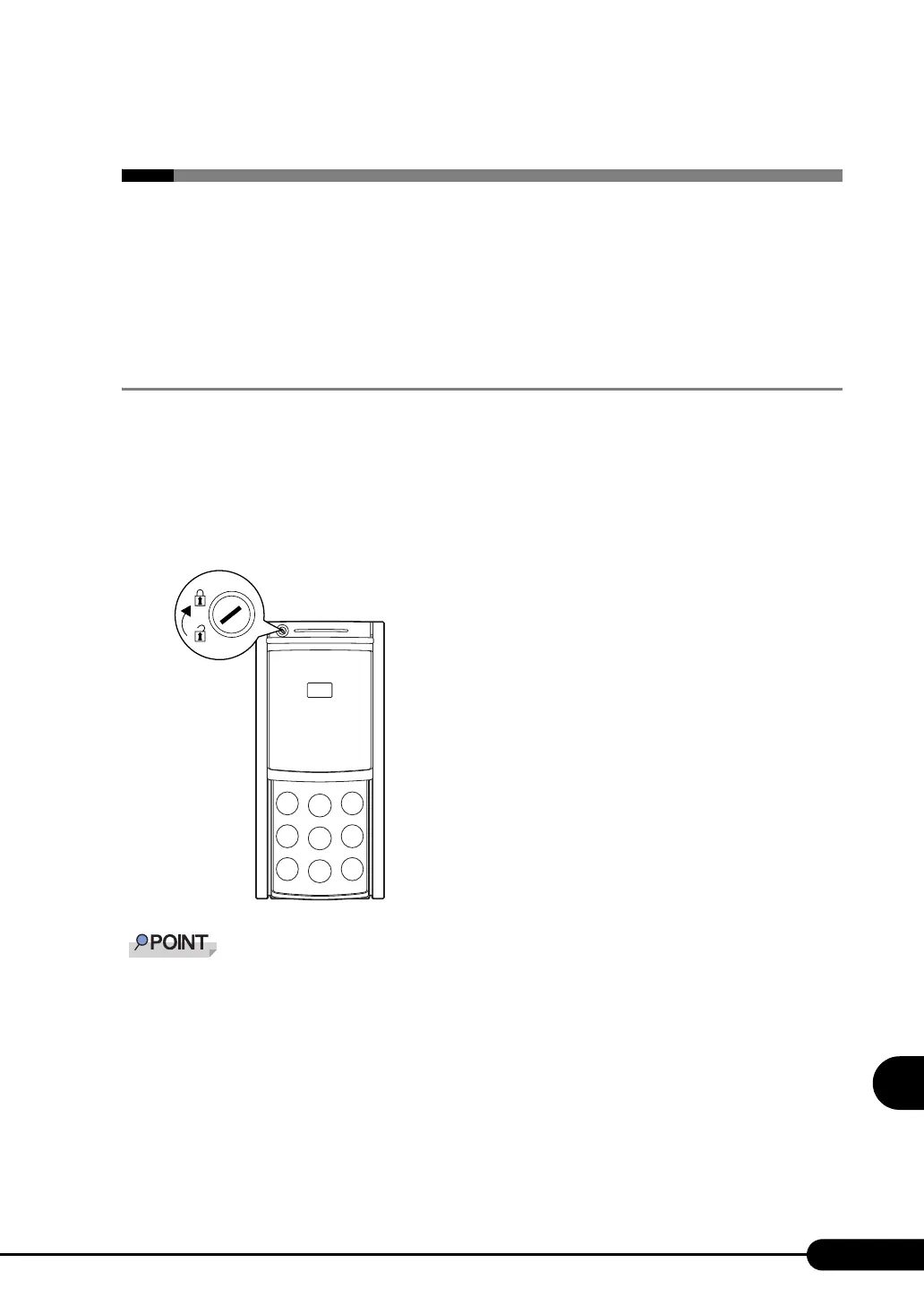
Locking the drive cover
Lock the drive cover to protect the hardware (hard disk units and 5-inch internal options) in the server
from theft or tampering.
Turn the key clockwise to lock the cover.
` Do not lose the drive cover key. If the key is lost, contact an office listed in the "Contact Information" of
"Start Guide".
` For instructions on opening the drive cover, refer to "1.4.1 Sliding the Drive Cover" (Jpg.30).



 To Next Page