201
PRIMERGY TX200 S3 User’s Guide
Installing Internal Options
7
7.7.2 Installable 5-inch Internal Devices and Notes
This section explains installable 5-inch internal devices, SCSI-IDs, and connections. Check this section
before installing.
Installable 5-inch Internal Devices and SCSI-IDs
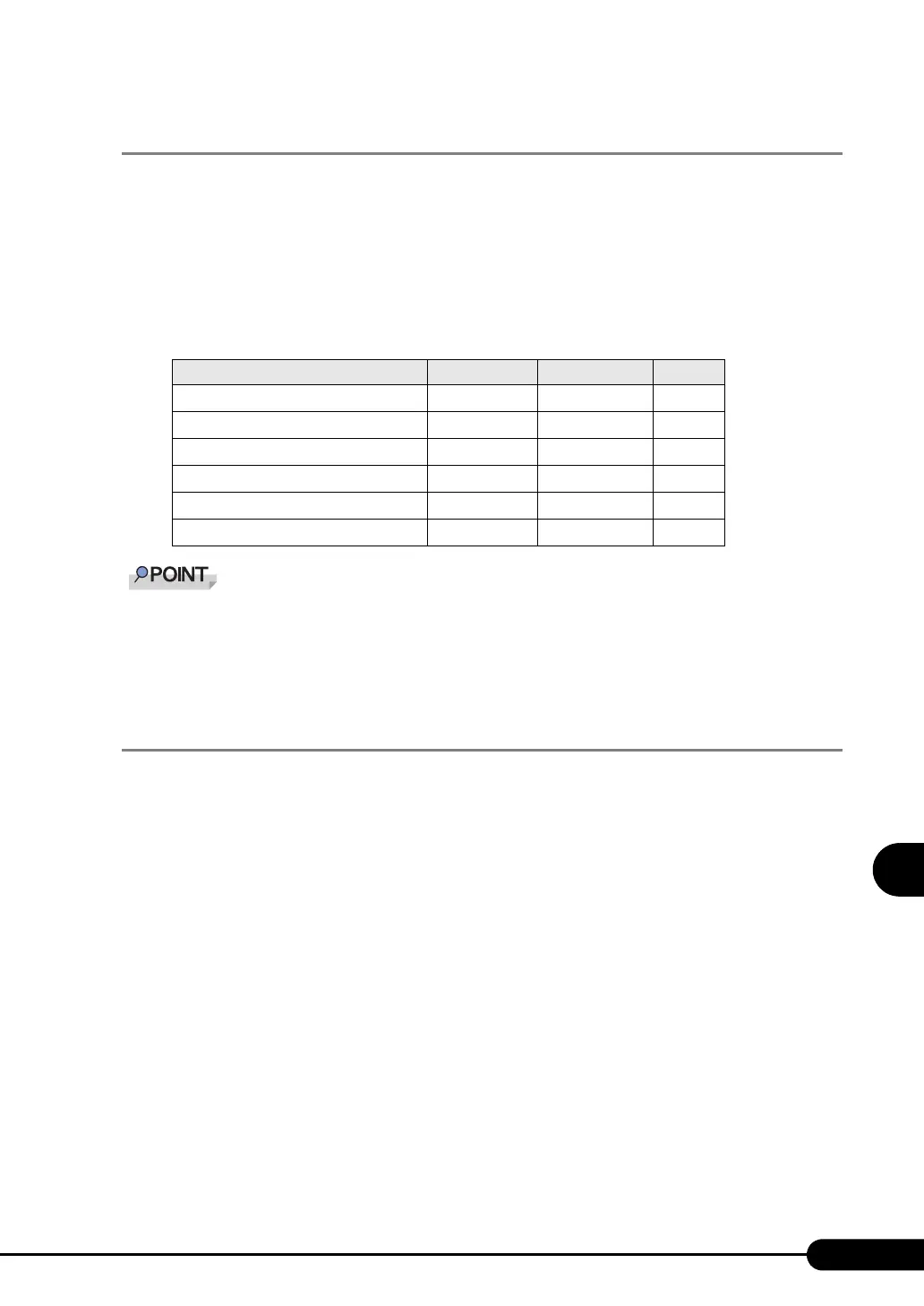
The following types of 5-inch internal devices can be installed in this server. For the combination of
additional internal 5-inch options and their SCSI IDs, refer to the following table:
` To install internal VXA2 unit, internal LTO2 unit or internal LTO3 unit, SCSI card (PG-1281) is required.
` To install LTO3 unit or internal hard disk unit bay conversion kit, two bays are used.
` If the device is installed in bay 2, set the SCSI-ID to “5“. If the option is installed in bay 3, set the SCSI-
ID to “6“.
7.7.3 How to Install the 5-inch Internal Device
Perform the following procedures to install a 5-inch internal device. To install the internal hard disk unit
conversion bay kit or internal DVD-RAM unit, the procedures vary. Refer to "7.7.4 How to Install the
Internal Hard Disk Unit Bay Conversion Kit" (
Jpg.205) and "7.7.5 How to Install a DVD-RAM Unit"
(
Jpg.209).
1 Set the SCSI-ID of the internal 5-inch device.
For SCSI-IDs, refer to " Installable 5-inch Internal Devices and SCSI-IDs" (Jpg.201)
2 Turn off the server and connected devices, and unplug all power cables from
the outlet.
3 Remove the side and front covers.
J"7.2 Removing and Attaching Covers" (pg.172)
4 Touch a metal part of the server to discharge static electricity.
table: Installable 5-inch Internal Devices
Product name Model Available bay SCSI ID
Internal DVD-RAM unit
PG-DVA102D Bay 1 -
Internal DAT72 unit
PG-DT504 Bay 2 or Bay 3
-
Internal VXA2 unit
PG-VX201
Bay 2 or Bay 3
5 or 6
Internal LTO2 unit PG-LT201 Bay 2 or Bay 3 5 or 6
Internal LTO3 unit PG-LT301 Bay 2 and Bay 3 5
Internal hard disk unit bay conversion kit PG-BC103 Bay 2 and Bay 3 -



 To Next Page