34
Chapter1 Overview
1.4.4 Turning Off the Server
1 Slide the drive cover.
J"1.4.1 Sliding the Drive Cover" (pg.30)
2 Make sure that the floppy disk drive and CD-ROM drives are empty.
3 Shut down the OS.
In the following cases, the server is turned off after the OS is shut down (Step 4 is not necessary).
• Windows OS
• ServerView is installed
In other cases, make sure that the access LEDs of floppy disk and hard disk are off when the OS
is shut down.
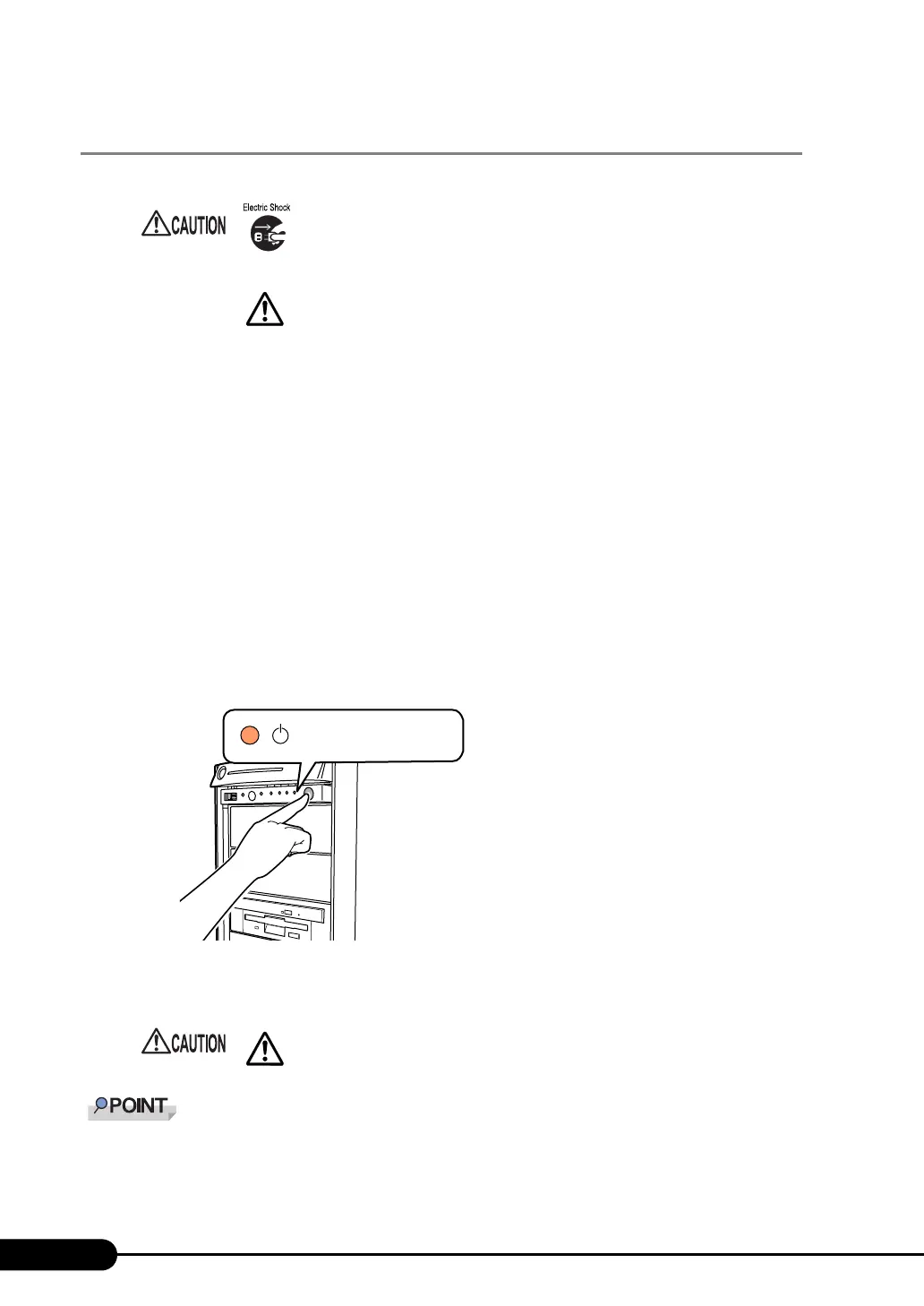
4 Press the power switch on the front of the server.
The server's power LED is lit amber.
5 Turn off the display and peripheral devices.
` The time to turn the server off can be set with the ASR setting (on the [Power On/Off] tab) using
ServerView. For details, refer to
"3.4 Serious Error Handling (ASR)" in "ServerView User’s Guide."
• In the event of smoke or sparks, immediately unplug the electric cord.
Failure to do so could lead to a fire or electrocution.
• Follow the procedures below to turn off the server. Data can be lost if
these procedures are not followed correctly.
• Be sure to wait for 10 seconds or more after shutdown before turning the
server on.
The server's power LED
is lit amber.



 To Next Page