98
Chapter 3 OS Installation Using ServerStart
3.4.4 Preparation of Remote Resources
Store resources to be installed on the remote resource server (PXE server) before starting installation.
` For sharing resources, log on to the remote resource/PXE server with the Administrator account.
1 Prepare resources required for installation.
• CD-ROM for the OS to be installed
• Service Pack CD-ROM for the OS to be installed
• ServerStart floppy disk
• PRIMERGY Document & Tool CD (for installing ServerView)
• Array Controller Document & Tool CD (for RAID configuration)
•Others
2 Create a shared folder for storing resources.
Create a shared folder for each CD prepared in Step 1.
E.g.:E:\W2K3Sv for Windows Server 2003
3 Extract the resources.
Using Windows Explorer, copy the CD-ROM for the resource to the shared folder.
3.4.5 Starting Remote Installation Using a PXE Server
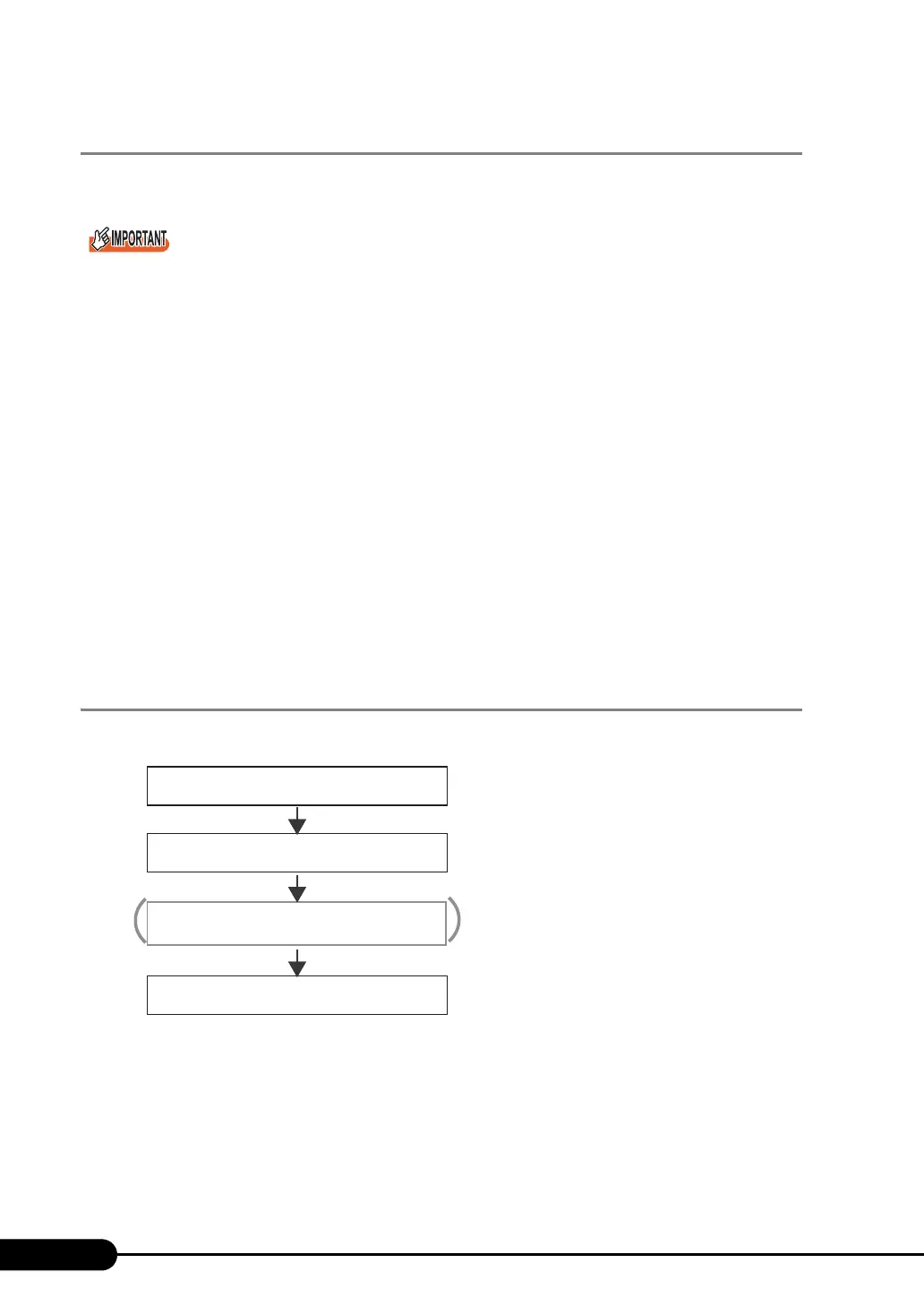
Perform remote installation using a PXE server in the following procedures.
Checking the Network Startup (PXE) Setting
Remote installation using a PXE server is performed via the onboard LAN. Enable the network startup
(PXE) of the target server.
For more details on network startup, refer to "2.1.2 Hardware Settings" (
Jpg.44).
Checking the Network Startup (PXE) Setting
Checking the MAC Address
Starting remote Installation
Creating a Configuration File
(Setting of remote installation)



 To Next Page