47
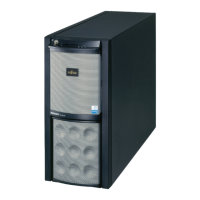
PRIMERGY TX200 S3 User’s Guide
2
Checking before OS Installation
2.3 Precautions on Installation
Read the following notes before starting OS installation.
2.3.1 Installation Partition Size
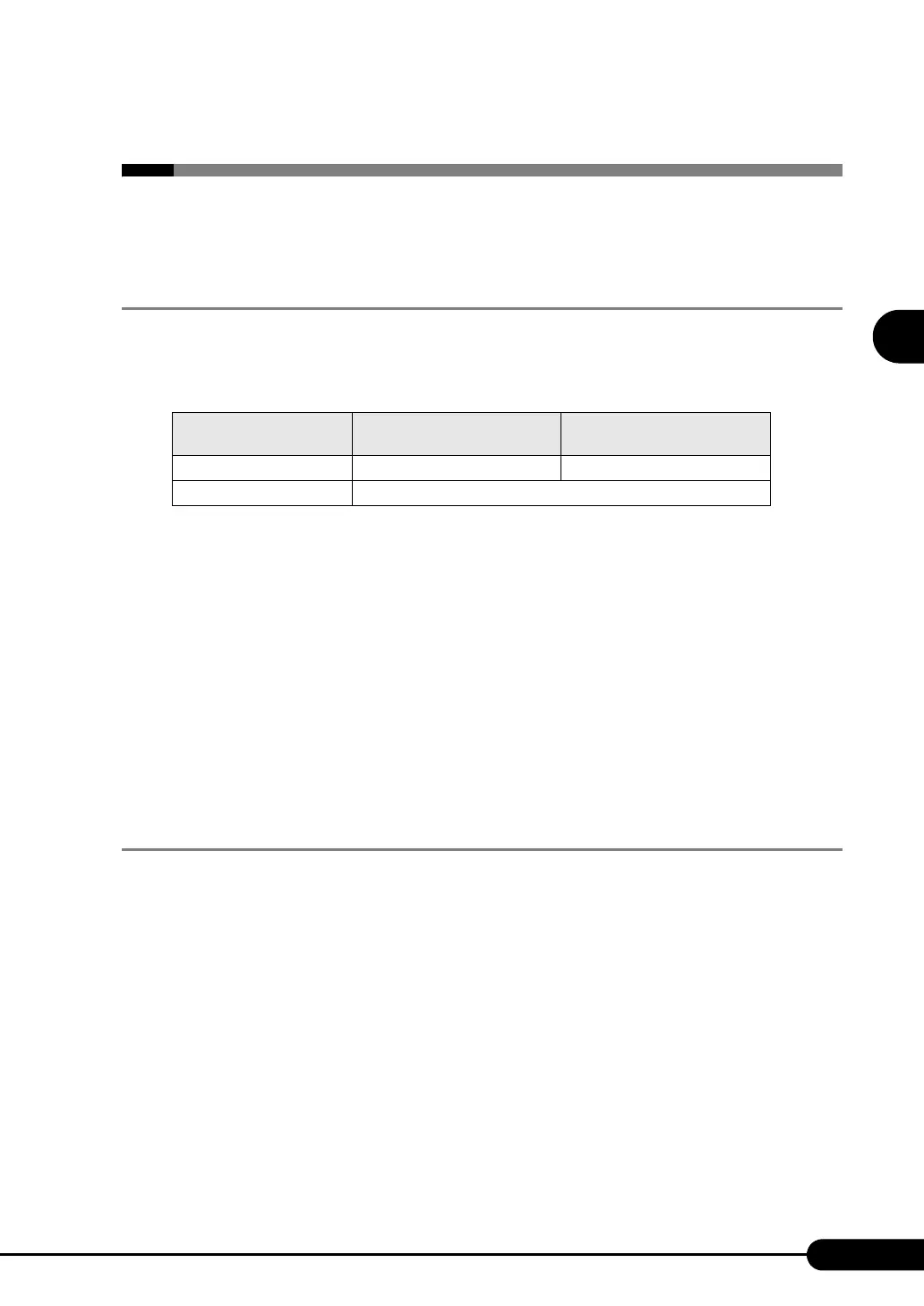
For installation using ServerStart, the installation partition size can be set as follows, depending on the
OS to be installed and format.
z Notes
• When you want to set the OS and BOOT partitions in different partitions, specify the partition size
directly.
(The BOOT partition is the partition for startup. Minimum information required for startup, such as
"ntldr", is stored.
The OS partition is the partition for installing the OS.)
• In either of the following cases, specify a partition size less than 2TB.
• When the same partition is specified as the OS and BOOT partitions
• When different partitions are specified as the OS and BOOT partitions
• The OS cannot be installed in a partition larger than 2TB.
2.3.2 Notes on Configuring RAID
RAID can be configured with hard disk units connected to the SAS controller on the baseboard.
Available RAID levels are different between the array configuration with the onboard array controller
and the array configuration with the SAS array controller card.
Check the following notes before configuring the RAID.
Array Configuration with the Onboard Array Controller
z
Hardware Configuration
• Only internal hard disk units can be used. Although eight internal hard disk units can be installed on
this server when using the internal hard disk unit bay conversion kit, up to two hard disk can be used
when configuring RAID with the onboard array controller.
• Be sure to use hard disk units of the same model and with the same capacity.
table: Installation Partition Size
Available size
Windows Server 2003
Windows Server 2003 x64
Windows 2000 Server
Minimum 2200MB 2048MB
Maximum 2TB



 To Next Page