32
Chapter1 Overview
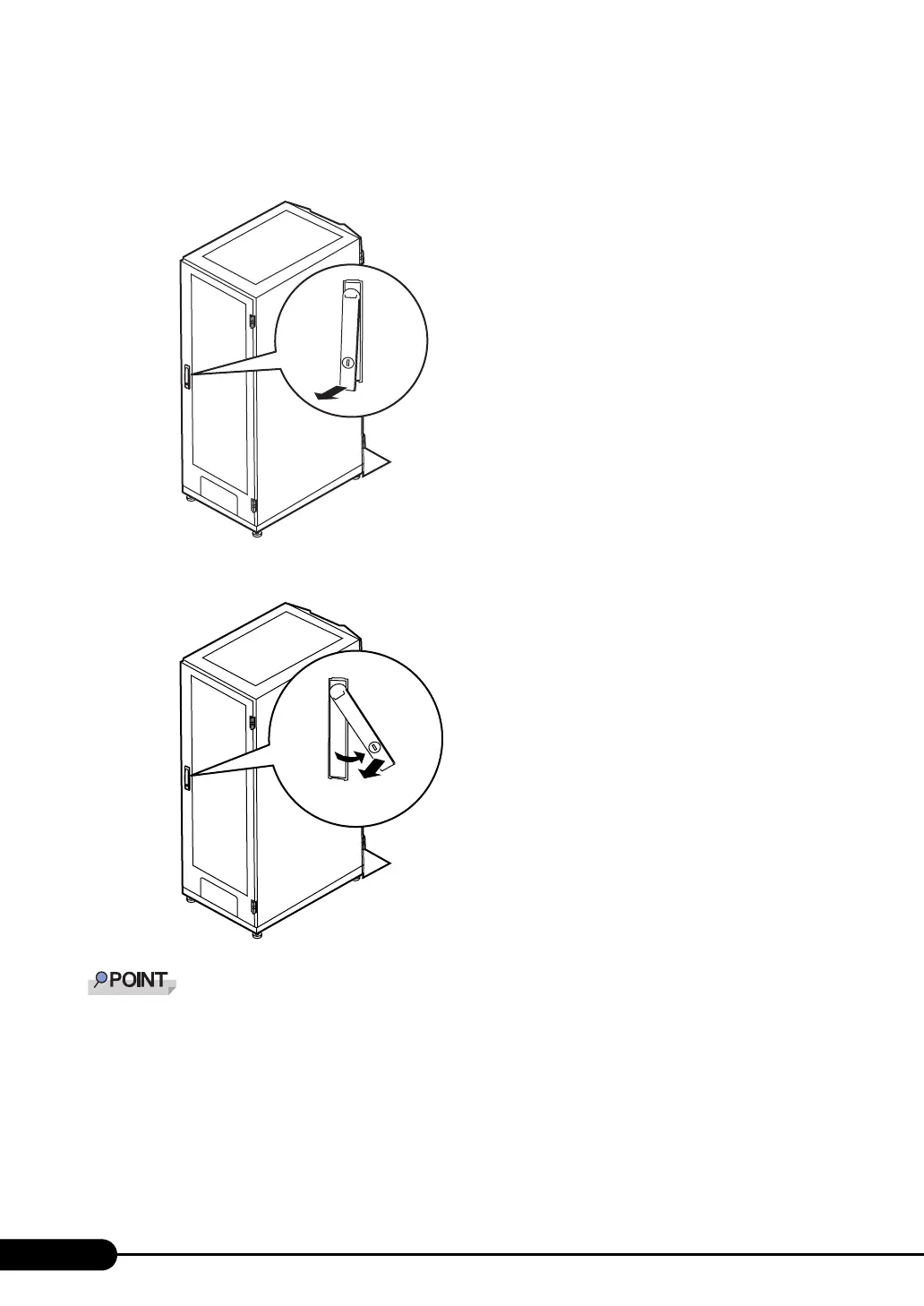
Opening the Rear Door
1 Turn the rack key and pull the rack handle up.
2 Turn the handle in the direction of the arrow and pull it forward.
` Unless you are inserting/ejecting media or turning the power on/off, keep the rack door closed. Doing
so blocks electric waves from cell phones, etc.
` Do not lose the keys. If the key is lost, contact an office listed in the "Contact Information" of "Start
Guide".
Turn and then pull



 To Next Page