EasyManua.ls Logo

Primus FF10 - User Manual

Primus FF10
136 pages
Print Icon
To Next Page IconTo Next Page
Loading...
INDUSTRIAL WASHER EXTRACTORS
HIGH SPIN WASHER EXTRACTORS:
6 kg 33 kg
7 kg 40 kg
10 kg 55 kg
16 kg 120 kg
22 kg
RIGID MOUNTED WASHER EXTRACTORS:
6 kg 18 kg
7 kg 22 kg
10 kg 27 kg
13 kg 35 kg
16 kg 43 kg
HIGH SPIN HYGIENIC BARRIER WASHER EXTRACTORS:
16 kg 66 kg
26 kg 90 kg
33 kg 140 kg
44 kg 180 kg
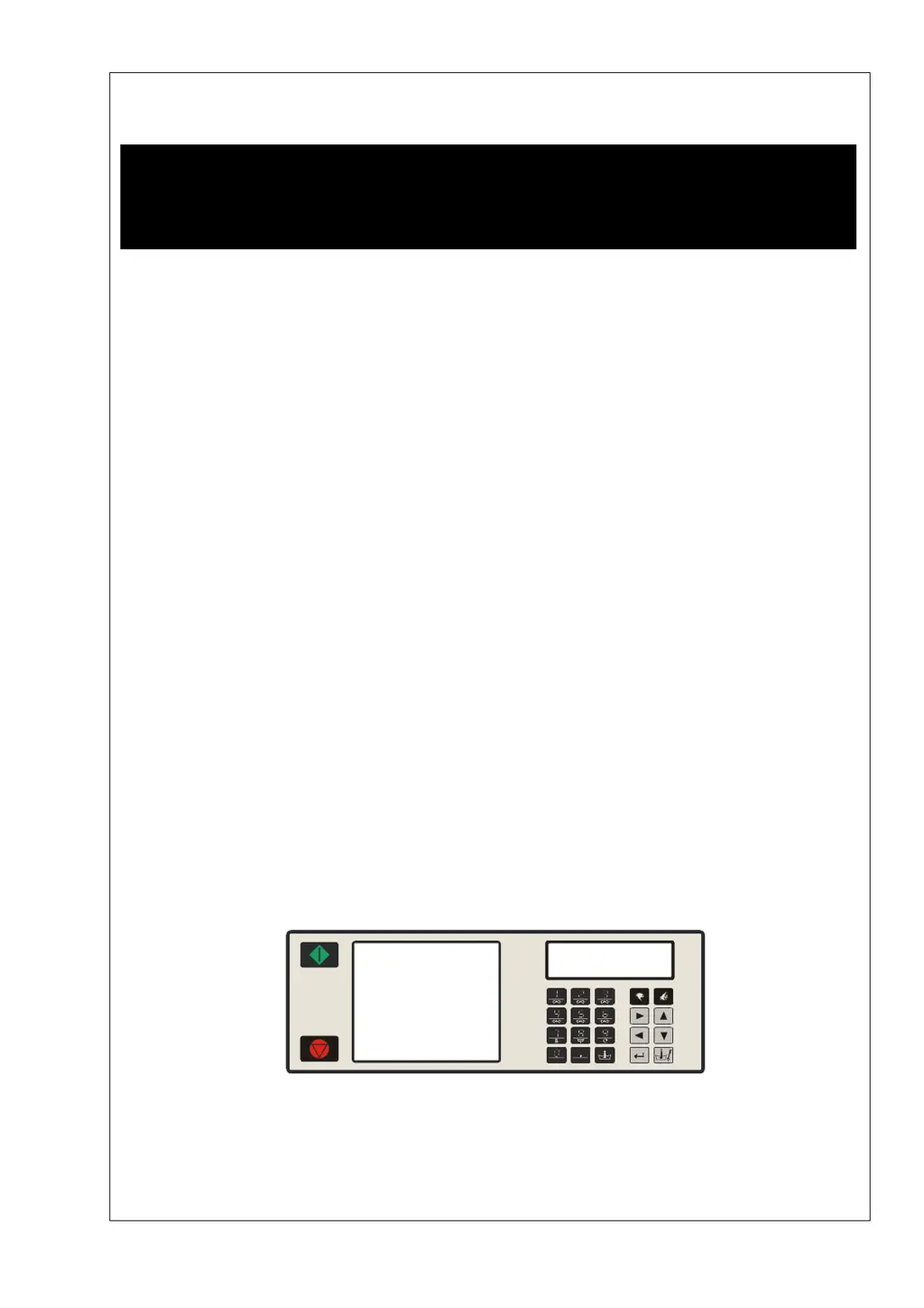
PROGRAMMING MANUAL
FULL CONTROL
100962 G
Publication date: 24 Jun 2008
SELECT PROGRAM
ABCDEFGHKLMNOPQR
100521

Table of Contents

Questions and Answers

Summary

Warnings and Symbols

General Warnings

General safety warnings before operating the programmer and machine.

Main Menu Navigation

Basic Description of Controls

Specific Menu Functions

Details the purpose of Program, Configuration, Initialization, Service, and Diagnostic menus.

Washing Program Creation

Machine Types and Wash Sequence Programming

Differentiates programming for top/front hopper types and wash sequences.

Programming Functions

Programming Functions (Continued)

Initializing the Machine

Initialisation Menu Access

Steps to access and navigate the initialization menu for basic setup.

Configuration Menu

Accessing the Configuration Menu

Procedure to enter the configuration menu, including password entry.

Programming

General Programming Overview

Overview of functions for complete programs and program steps.

Step 1: Program Menu

Accessing and navigating the main program menu for wash programs.

Step 2: Program Functions

Program Number, Name, View, Edit, and Copy

How to manage wash programs: select, name, view, edit, and copy.

Step 3: Program Step Function

Step 4: Programming the Wash Part

Selecting Wash Part Sequences

Guide to choosing wash sequences like Prewash, Wash, Rinse, etc.

Step 5: Programming the Drain Step

Selecting Drain;Extraction Steps

Choosing between Drain, Extract, Low Extract, High Extract, No Drain, Static Drain.

Operation Menu

6.1. Starting Up the Machine

Initial steps before starting a wash cycle, including installation checks.

6.5. Starting a Wash Program

Steps to select and initiate a wash program.

Programming a Delay Time

Power Interruptions and Special Buttons

Pre-Programmed Programs

7.2. Standard Wash Programs

Lists and details 15 standard wash programs, like Hot Wash, Warm Wash, etc.

Troubleshooting

Display and Fault Messages

Describes common display messages and how fault messages are presented.

Fault Message Interpretation

Explains the components of a fault message and their meaning.

Handling Fault Messages

Overruling and Erasing Faults

Methods to override or clear fault messages and safety conditions.

Interpreting Too Hot and Water in Cage

Explains specific fault messages related to temperature and water level.

Overview of Failure Messages

Service Menu Access

Diagnostic Program

Test Sequence Descriptions

Problem Check List

Explanation Error Messages

Service Information

9.4. Replacing Electronic Board and Keypad

Step-by-step guide for replacing the electronic board and keypad.

9.5. Installing New Software

Instructions for updating the machine's software via EPROM replacement.

Specification of Your Machine

Machine Data and Electronic Specifications

Details on machine type, serial number, voltage, programmer type, and memory.

Configuration and Initialization Data

Lists configurable settings for machine operation and initialization.

Primus FF10 Specifications

General IconGeneral
BrandPrimus
ModelFF10
CategoryScrubber
LanguageEnglish

Related product manuals