TACACS+ Authentication
Configuring TACACS+ on the Switch
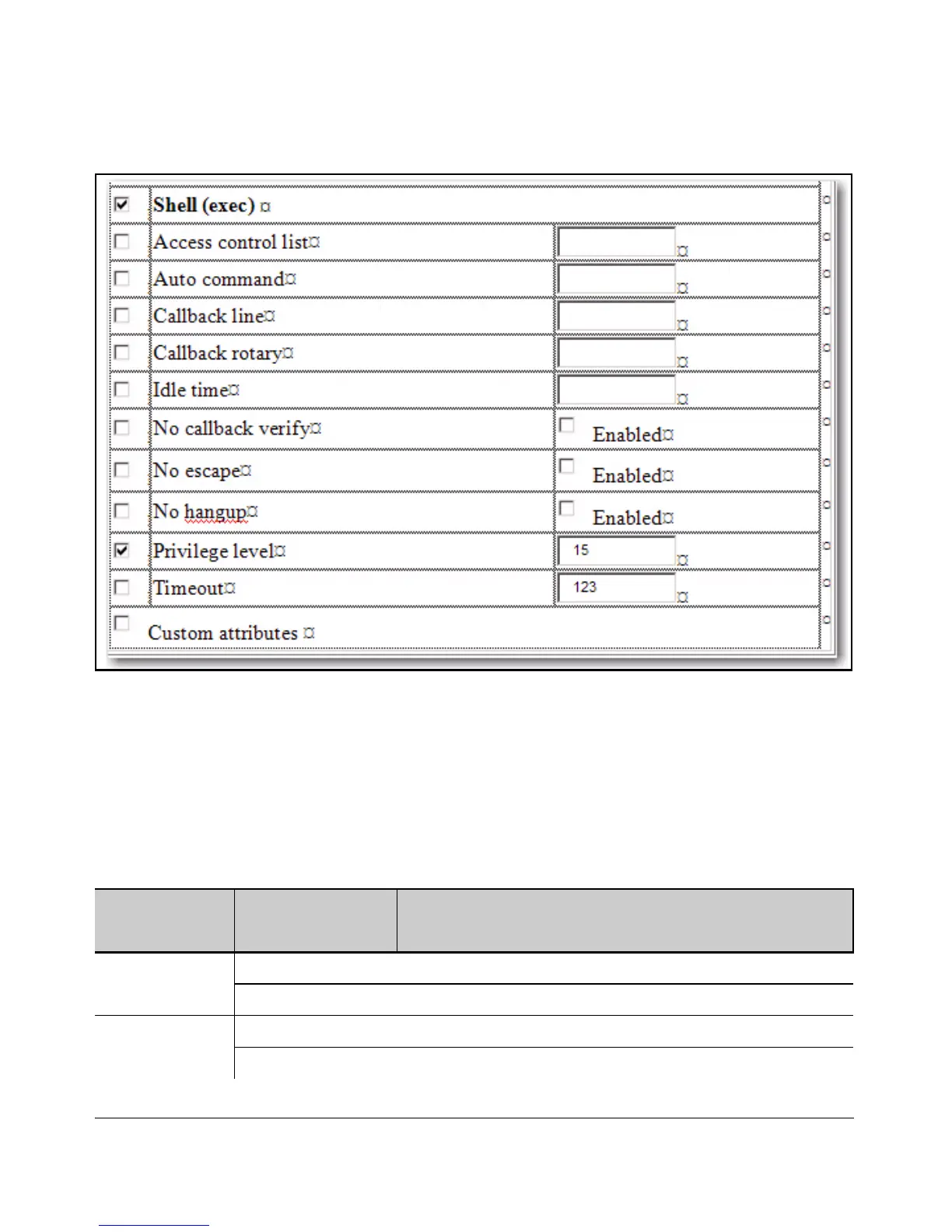
Figure 4-5. The Shell Section of the TACACS+ Server User Setup
As shown in the next table, login and enable access is always available locally
through a direct terminal connection to the switch’s console port. However,
for Telnet access, you can configure TACACS+ to deny access if a TACACS+
server goes down or otherwise becomes unavailable to the switch.
Table 4-2. Primary/Secondary Authentication Table
Access Method and
Privilege Level
Authentication Options Effect on Access Attempts
Primary Secondary
Console — Login local none* Local username/password access only.
tacacs local If Tacacs+ server unavailable, uses local username/password access.
Console — Enable local none Local username/password access only.
tacacs local If Tacacs+ server unavailable, uses local username/password access.
4-15



 To Next Page