Configuring Username and Password Security
Front-Panel Security
Reset Button
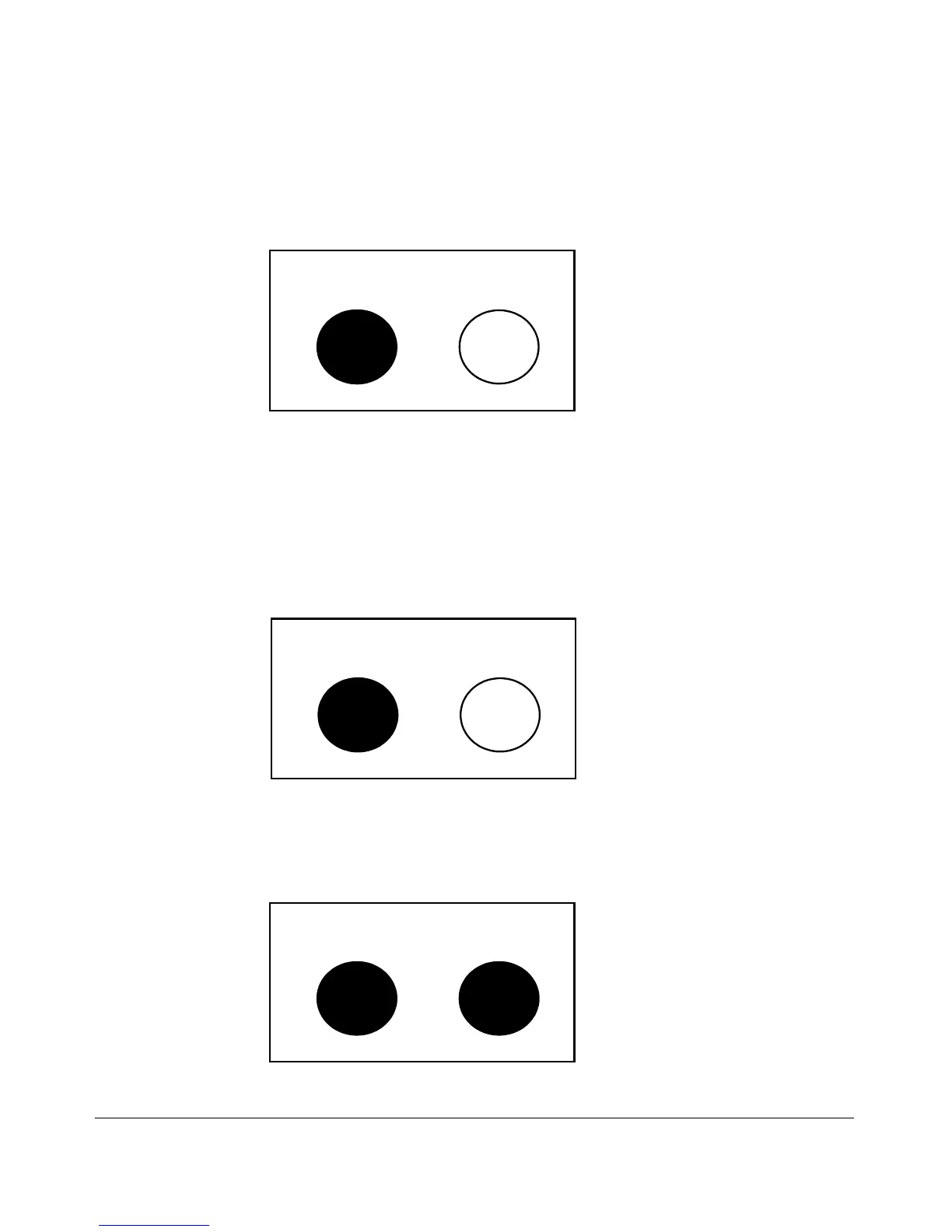
Pressing the Reset button alone for one second causes the switch to reboot.
Reset Clear
Figure 2-7. Press and hold the Reset Button for One Second To Reboot the Switch
Restoring the Factory Default Configuration
You can also use the Reset button together with the Clear button (Reset+Clear)
to restore the factory default configuration for the switch. To do this:
1. Press and hold the Reset button.
Reset Clear
2. While holding the Reset button, press and hold the Clear button.
Reset Clear
3. Release the Reset button.
2-25



 To Next Page