Web and MAC Authentication
How Web and MAC Authentication Operate
How Web and MAC Authentication
Operate
Before gaining access to the network, a client first presents authentication
credentials to the switch. The switch then verifies the credentials with a
RADIUS authentication server. Successfully authenticated clients receive
access to the network, as defined by the System Administrator. Clients who
fail to authenticate successfully receive no network access or limited network
access as defined by the System Administrator.
Web-based Authentication
When a client connects to a Web-Auth enabled port, communication is redi-
rected to the switch. A temporary IP address is assigned by the switch and a
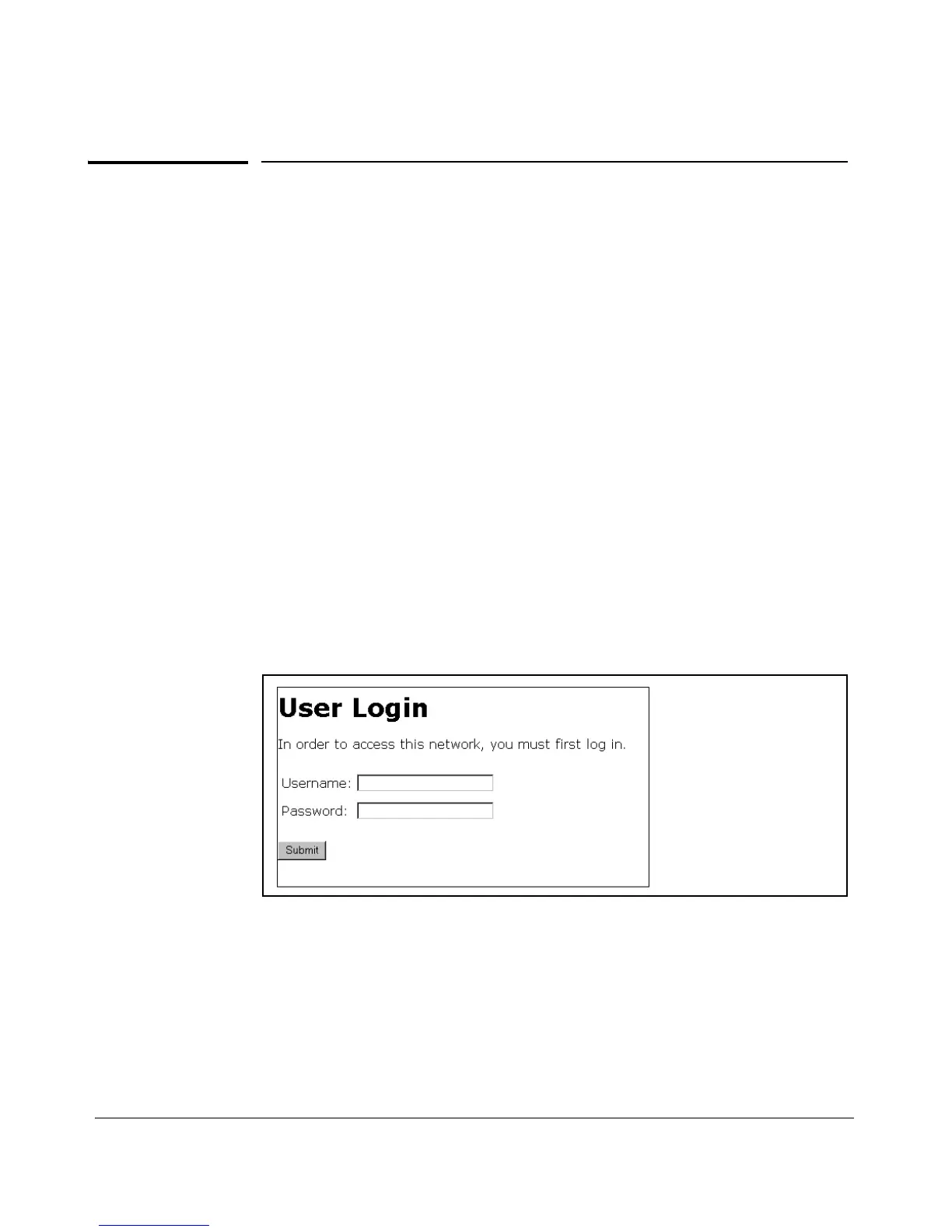
login screen is presented for the client to enter their username and password.
The default User Login screen is shown in Figure 3-1. You can also prepare
customized web pages to use for Web-Auth login and present them to clients
who try to connect to the network (see “Customized Login Web Pages” on
page 3-9).
Figure 3-1. Example of Default User Login Screen
When a client connects to the switch, it sends a DHCP request to receive an
IP address to connect to the network. To avoid address conflicts in a secure
network, you can specify a temporary IP address pool to be used by DHCP by
configuring the dhcp-addr and dhcp-lease options when you enable web
authentication with the aaa port-access web-based command.
3-6



 To Next Page