Web and MAC Authentication
How Web and MAC Authentication Operate
The Secure Socket Layer (SSLv3/TLSv1) feature provides remote web access
to the network via authenticated transactions and encrypted paths between
the switch and management station clients capable of SSL/TLS. If you have
enabled SSL on the switch, you can specify the ssl-login option when you
configure web authentication so that clients who log in to specified ports are
redirected to a secure login page (https://...) to enter their credentials.
The switch passes the supplied username and password to the RADIUS server
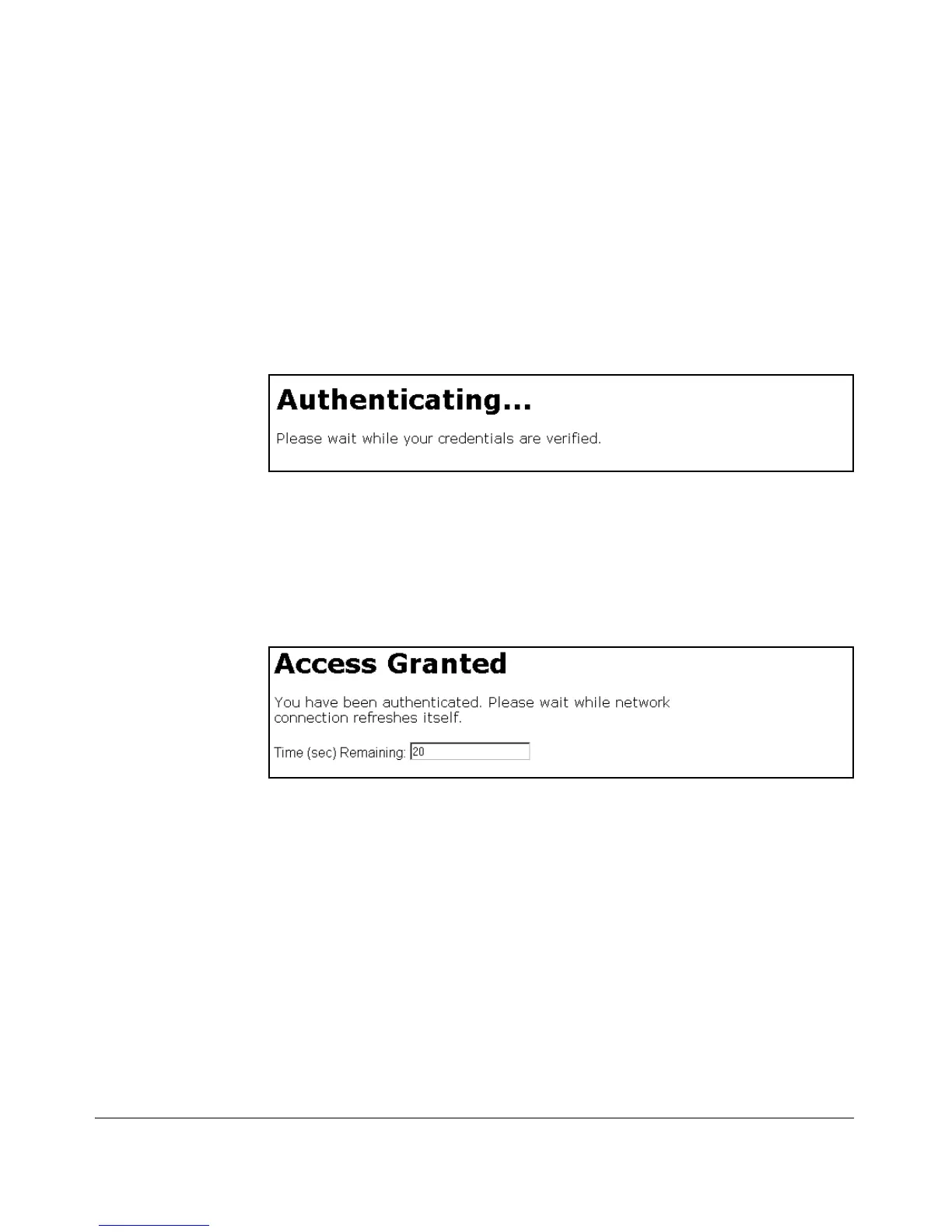
for authentication and displays the following progress message:
Figure 3-2. Progress Message During Authentication
If the client is authenticated and the maximum number of clients allowed on
the port (client-limit) has not been reached, the port is assigned to a static,
untagged VLAN for network access. After a successful login, a client may be
redirected to a URL if you specify a URL value (redirect-url) when you
configure web authentication.
Figure 3-3. Authentication Completed
The assigned VLAN is determined, in order of priority, as follows:
1. If there is a RADIUS-assigned VLAN, then, for the duration of the client
session, the port belongs to this VLAN and temporarily drops all other
VLAN memberships.
2. If there is no RADIUS-assigned VLAN, then, for the duration of the client
session, the port belongs to the authorized VLAN (auth-vid if configured)
and temporarily drops all other VLAN memberships.
3. If neither 1 or 2, above, apply, but the port is an untagged member of a
statically configured, port-based VLAN, then the port remains in this
VLAN.
3-7



 To Next Page